How Many Appointment Reminders Is Too Many for Clients?
Sending too many appointment reminders can annoy clients and trigger high opt-out rates. Learn the optimal cadence and best practices for appointment reminder automation to reduce no-shows without spamming.
How many appointment reminders is too many? Sending more than three appointment reminders is considered too many for most clients. The industry standard for appointment reminder automation is a strategic sequence of two to three messages, as exceeding this limit risks annoying clients and triggering high opt-out rates. By using an intelligent platform like Conversify, businesses can automate this flow without spamming their audience. A three-step cadence sent 72 hours, 24 hours, and 2 hours before an appointment is the optimal sequence to maximize attendance. This structure keeps the booking top-of-mind while giving clients ample time to reschedule if needed. Sending four or more messages, or exceeding 306 characters per text, crosses the line into spam, causing clients to mute notifications or unsubscribe entirely. Managing client communication requires a delicate balance between reducing empty slots and maintaining a positive customer relationship. If you want to optimize your schedule without driving clients away, choosing the right tools is essential. You can explore our pricing plans to discover how easy it is to set up gentle, automated touchpoints that keep your books full.
The Cost of No-Shows vs.
The Risk of Spam For any service-based business, empty time slots represent lost revenue and wasted staff resources. Outpatient and appointment-based businesses without reminder systems typically face no-show rates of 15% to 30% [1]. This is a massive drain on profitability. Implementing an automated reminder system can dramatically change these numbers, reducing client no-show rates by 40% to 60% [1]. However, there is a fine line between helpful follow-ups and digital harassment. When businesses send too many messages, clients begin to feel overwhelmed. In fact, research shows that certain service practices experienced a 1.12% opt-out rate on text messaging platforms, which was the highest among 23 analyzed industries [3]. This high unsubscribe rate directly correlates with over-messaging or poorly timed communications. 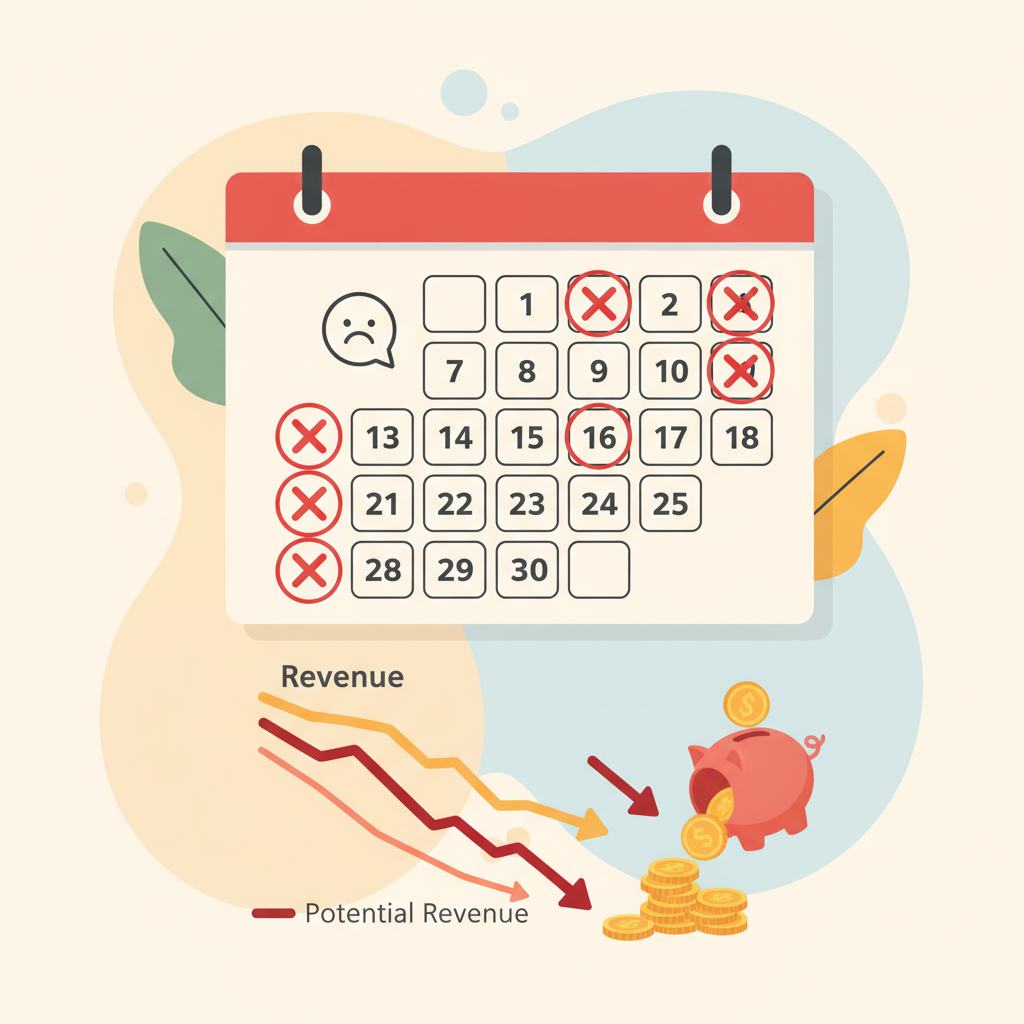 When clients opt out of your text messages, you lose your most direct line of communication. To prevent this, businesses must design a thoughtful communication strategy. The goal is to prompt action without causing digital fatigue, ensuring that your automated system remains a helpful tool rather than an annoyance.
The Optimal Cadence: How Many Reminders Should You Send?
Determining the exact number of messages to send can make or break your attendance rates. Industry data suggests that a three-reminder sequence is the absolute sweet spot for maximizing attendance without overwhelming your audience [2]. This sequence consists of: - A message sent 72 hours before the appointment, giving the client a chance to reschedule if their plans have changed.
- A message sent 24 hours before, keeping the appointment top-of-mind as the date approaches.
- A final message sent 2 hours before, serving as an immediate action trigger for travel and preparation. This cadence is highly effective because each touchpoint serves a distinct purpose. If a three-step sequence feels too heavy for your specific audience, a two-reminder schedule is the next best alternative. A randomized trial found that a two-reminder schedule sent 3 days and 1 day before resulted in a 4.4% no-show rate, compared to a 5.8% no-show rate for a single 3-day-only reminder [8]. This proves that adding a second reminder closer to the appointment date significantly improves attendance. Additionally, for longer booking cycles, timing is everything. Adding a daily reminder touchpoint to complement weekly messages can increase appointment confirmation rates by an additional 26% [5]. By spacing these touchpoints out logically, you guide the client toward their appointment without cluttering their inbox.
SMS vs. Email: Choosing the Right Channel
Not all communication channels are created equal.
When it comes to time-sensitive appointment reminder automation, text messaging is the undisputed king. Text messages boast an incredible 98% open rate, compared to a meager 20% to 30% open rate for email in service settings [4]. Comparison of SMS versus email open rates and response rates in service industries This massive gap in visibility explains why SMS is the preferred channel for urgent notifications. The difference in engagement becomes even more obvious when looking at response rates: - Text message reminders have a 45% response rate [7].
- Email response rates in service industries average only 5% to 10% [7]. For businesses that require active confirmation (such as replying to confirm a booking), text messaging is essential. Email still has its place, especially for sending initial, detailed booking confirmations, receipts, or pre-appointment instructions that require longer reading times. However, for the actual reminder sequence, SMS or conversational platforms like WhatsApp are far more effective.
Best Practices for Crafting Non-Intrusive
Reminders To keep your opt-out rates low, the content and format of your messages must be carefully managed. Industry standards strongly discourage sending text reminders that exceed two messages or 306 characters in total [9]. Keeping your texts short and sweet ensures that the most critical details (date, time, address, and confirmation instructions) are immediately visible. Another common mistake is assuming that older demographics will not engage with mobile technology. This myth is completely debunked by the data: approximately 34% of clients aged 65 and older actually prefer text message reminders over other channels [6]. This means you do not need to segment your audience by age just to avoid text messaging; instead, focus on making the messages clear and easy to read for everyone. Always include a simple way for clients to manage their preferences. A clear instruction like "Reply STOP to opt out" builds trust. When clients know they can easily control the communications they receive, they are much less likely to feel trapped or annoyed by your automation.
Moving Beyond One-Way Spam to Conversational
Automation Why do some clients find automated reminders annoying? Often, it is because the messages feel like cold, one-way spam. Historically, manual phone reminders have been more successful at reducing non-attendance than automated ones. A systematic review of 29 studies found that manual phone reminders cut non-attendance by 39.1%, whereas traditional automated reminders cut it by 28.9% [6]. The reason for this difference is simple: manual calls involve a two-way conversation. When a real person calls, the client can ask quick questions, request a slight time adjustment, or explain their situation. Traditional automated systems lack this flexibility, forcing clients to either accept the appointment as-is or cancel it. This is where modern conversational tools change the game. By leveraging a unified inbox and AI auto-responses, businesses can replicate the high success rate of manual calls without the high labor costs. Platforms like Conversify allow you to send automated reminders that invite two-way interaction. If a client replies to a reminder asking to change their time, our AI assistant can handle the response instantly, keeping your schedule optimized. To learn more about how we help businesses streamline their operations and build better customer relationships, feel free to visit our About Conversify page. You can also explore our library of related articles for more expert tips on communication strategies.
How to Set Up Your Reminder Flow Setting
up an efficient, non-intrusive reminder system does not have to be complicated. Follow these steps to build a sequence that keeps your books full: - Choose a conversational platform that supports both SMS and WhatsApp to reach clients where they are most active.
- Set up a three-step sequence at the optimal intervals of 72 hours, 24 hours, and 2 hours before the scheduled time.
- Keep every text message under the 306-character limit to avoid message fragmentation and ensure readability.
- Enable two-way messaging so clients can easily reply to confirm, cancel, or ask questions.
- Monitor your opt-out rates regularly to ensure your audience is comfortable with the frequency of your messages.
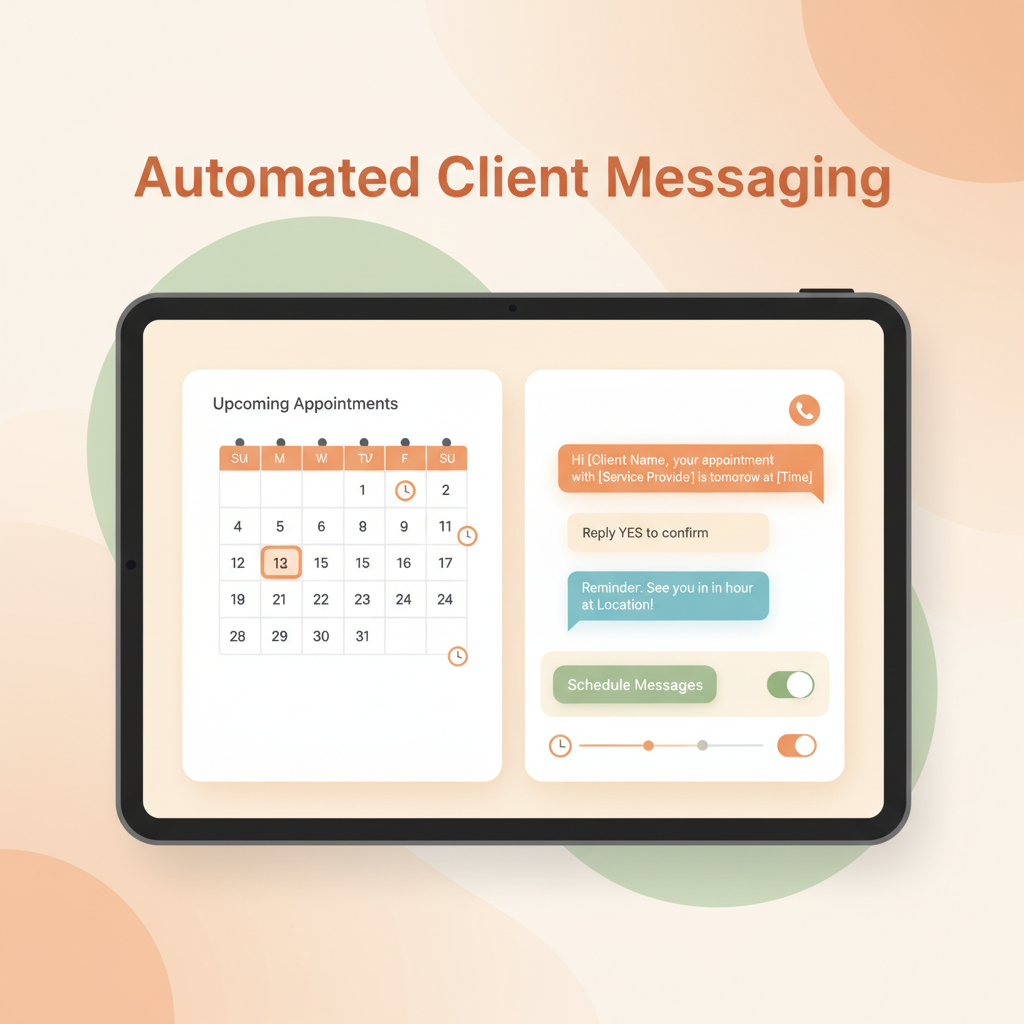 By following these guidelines, you can harness the full power of appointment reminder automation without risking your client relationships. Using a shared inbox tool like Conversify makes managing these conversations simple.
Do older clients prefer phone calls over text reminders?
No, research shows that approximately 34% of clients aged 65 and older actually prefer text message reminders [6]. Mobile adoption is high across all age groups, making text automation highly effective.
How do I prevent clients from opting out of my text reminders?
To minimize opt-outs, keep your messages concise (under 306 characters) [9], limit your sequence to a maximum of three messages [2], and ensure it is easy for clients to reply or ask questions.
Is a single reminder enough to prevent no-shows?
While a single reminder helps, studies show that a two-reminder schedule (sent 3 days and 1 day before) reduces no-shows to 4.4%, compared to 5.8% for a single 3-day reminder [8]. A multi-step sequence is much more effective.
What is the maximum character limit for an SMS reminder?
Industry standards strongly recommend keeping text reminders under 306 characters or a maximum of two concatenated messages [9]. This ensures your message remains clear and does not get split into multiple, confusing texts.
Finding the Perfect Balance Finding
the perfect rhythm for your appointment reminders is the key to protecting your revenue while respecting your clients' boundaries. By limiting your sequence to two or three highly strategic, concise messages and utilizing conversational tools, you can dramatically cut no-shows. Implementing intelligent, two-way appointment reminder automation ensures your business runs smoothly, your calendar stays full, and your clients feel valued rather than spammed.
Sources [1] [Medlaunch Practice Growth
Blog](https://medlaunch.health/blogs/practice-growth/best-practices-for-appointment-reminders/)
David Friedman - Founder, Conversify · LinkedIn
David Friedman is a B2B operations leader with over 10 years of experience managing large-scale teams and business processes. After years of working with service businesses and seeing how much time was lost to manual customer communication, he founded Conversify, an AI-powered platform that helps healthcare practices and service providers across Europe automate their patient and client interactions. David built the platform from the ground up, working directly with practicing healthcare professionals to ensure every feature solves a real operational pain point. He is based in Spain.