How to Set Up a Shared Inbox for SMS and WhatsApp
Discover how to unify your customer communication by setting up a shared inbox for both SMS and WhatsApp. This guide covers setup steps, automation, and pricing.
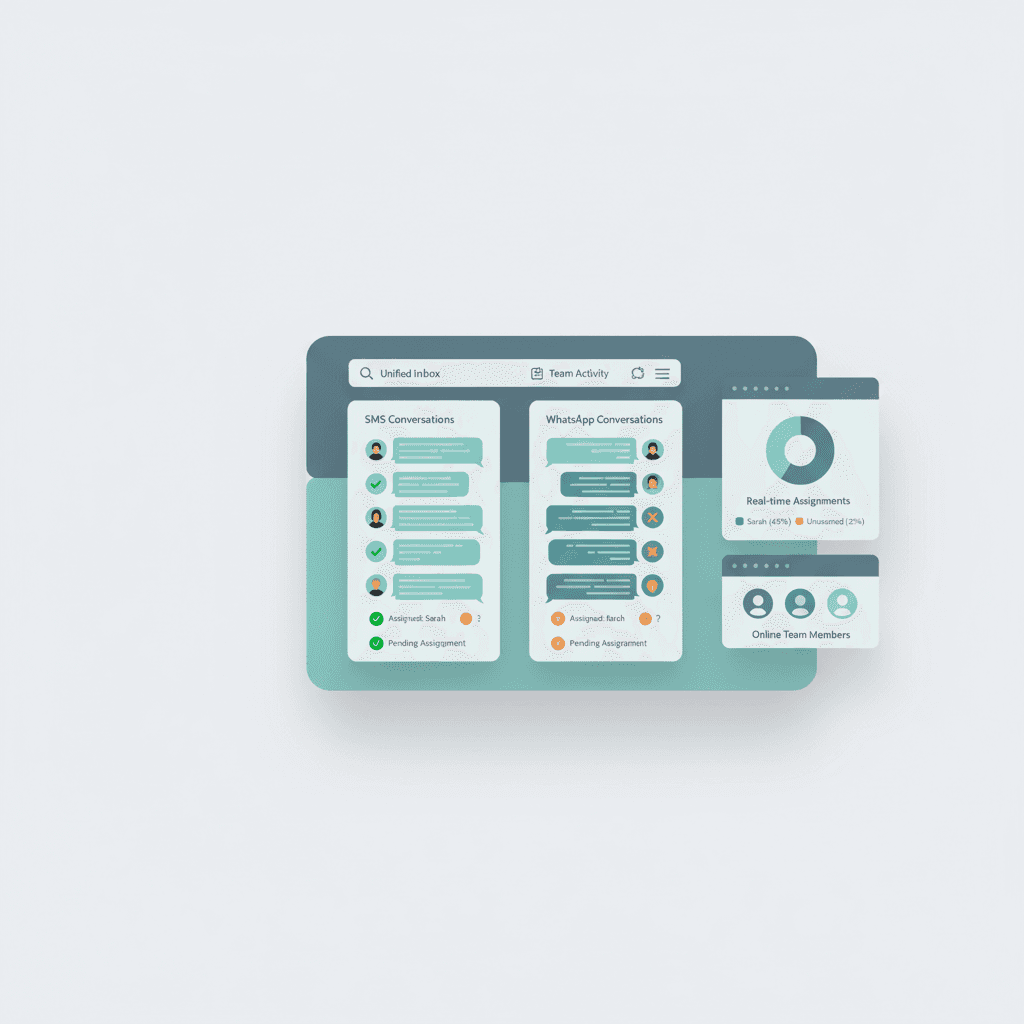
Setting up a shared inbox for two-way sms and whatsapp business messaging involves connecting your business phone number and Meta Business Account to a unified platform like Conversify. This software allows multiple team members to manage customer conversations simultaneously from one dashboard, helping businesses instantly reach customers where they are active. To explore more strategy guides, check out our related articles. By centralizing your communication, your team can coordinate dispatching, customer support, and appointment booking seamlessly. Transitioning to a unified system is highly effective because WhatsApp messages achieve an average open rate of 98%, compared to just 20% for email and 19% for SMS [1]. Furthermore, research shows that 80% of individuals prefer using their smartphones to interact with service providers, and 76% want text reminders of upcoming appointments [2]. Implementing a shared inbox ensures you never miss a message, preventing duplicate responses through real-time collision detection and clear assignment rules [7]. With Conversify, you can also automate routine inquiries, helping your team focus on complex tasks while maintaining a modern, responsive customer experience.
Why Your Business Needs Two-Way SMS
and WhatsApp Business Messaging Modern consumers expect fast, convenient, and direct communication channels. Relying solely on email or phone calls often leads to missed connections, long response delays, and frustrated customers. When you adopt two-way sms and whatsapp business messaging, you meet your customers on the platforms they use every single day. The engagement data speaks for itself. WhatsApp messages see an incredible 98% open rate, while traditional email struggles at 20%, and standard SMS sits at 19% [1]. This massive gap in visibility means that critical updates, booking confirmations, and promotional offers sent via WhatsApp are almost guaranteed to be read. Additionally, customer retention is directly tied to your communication options. Research indicates that 28% of customers are likely to switch providers if their current provider does not offer text messaging as a communication channel [8]. In service-based sectors, the average response rate for SMS messages is 53.09%, demonstrating that customers are highly active and responsive when communicated with via text [4]. By offering both SMS and WhatsApp, you cater to diverse preferences and keep your audience engaged. 
Step-by-Step Guide: How to Set Up a
Shared Inbox Setting up a unified communication dashboard does not have to be complicated. By following these steps, your team can begin managing all incoming SMS and WhatsApp messages from a single location. * Step 1: Choose a Unified Platform. Select a software provider that supports both SMS and WhatsApp integrations. At Conversify, we provide an intuitive platform designed to centralize your customer communications and automate routine responses. You can view our pricing plans to find the right fit for your team's volume.
- Step 2: Verify Your Meta Business Account. To access the official WhatsApp Business Platform, your business must have a verified Meta Business Account [5]. This process verifies your business authenticity and ensures compliance with Meta's messaging policies.
- Step 3: Prepare Your Phone Number. You need a phone number that can receive SMS or voice calls for verification purposes [5]. This number will be connected to your WhatsApp Business API and your SMS gateway, allowing you to use a single number for both channels.
- Step 4: Configure Team Roles and Assignment Rules. Once your accounts are connected to your shared inbox, invite your team members. Set up real-time collision detection and assignment rules to prevent multiple agents from responding to the same message simultaneously [7].
- Step 5: Design Approved Templates. Because WhatsApp enforces strict messaging rules, you must draft and submit template messages to Meta for approval [6]. These templates are required when initiating conversations or responding to customers outside of the standard active window.
Overcoming Key Challenges: The 24-Hour
Rule and Meta Billing While a shared inbox offers massive efficiency gains, businesses must navigate specific rules set by messaging networks, particularly Meta.
Managing the 24-Hour Response Window
WhatsApp enforces a strict 24-hour response window [6].
This means that once a customer sends your business a message, you have exactly 24 hours to reply with free-form text. If your team does not respond within this timeframe, you cannot send a standard message. Instead, you must use an approved template message to re-engage the customer [6]. Shared inbox software helps teams manage this limitation by tracking conversation status, setting auto-close rules, and utilizing pre-approved templates for follow-ups. This ensures you remain compliant with Meta's policies while maintaining a continuous dialogue with your clients.
Understanding Meta's Pricing Model
To budget accurately, businesses must understand how messaging costs are calculated. Meta transitioned WhatsApp Business API pricing to a per-message billing model on January 1, 2026, replacing the previous per-conversation pricing model [9]. Under this model, businesses are billed directly by Meta based on the specific number of messages sent and received. When setting up a shared inbox, it is critical to choose a provider that offers transparent pricing and helps you monitor your message volume to control costs. 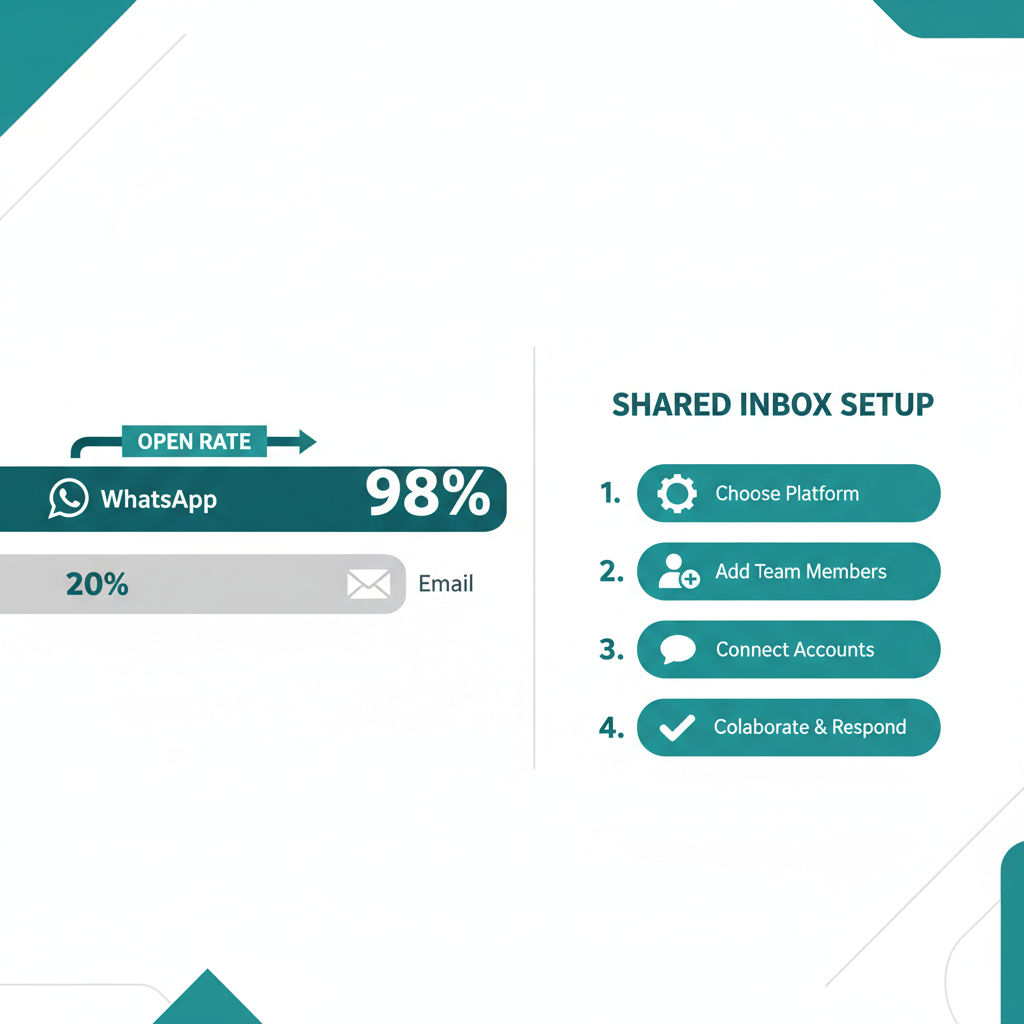
Boosting Operational Efficiency with
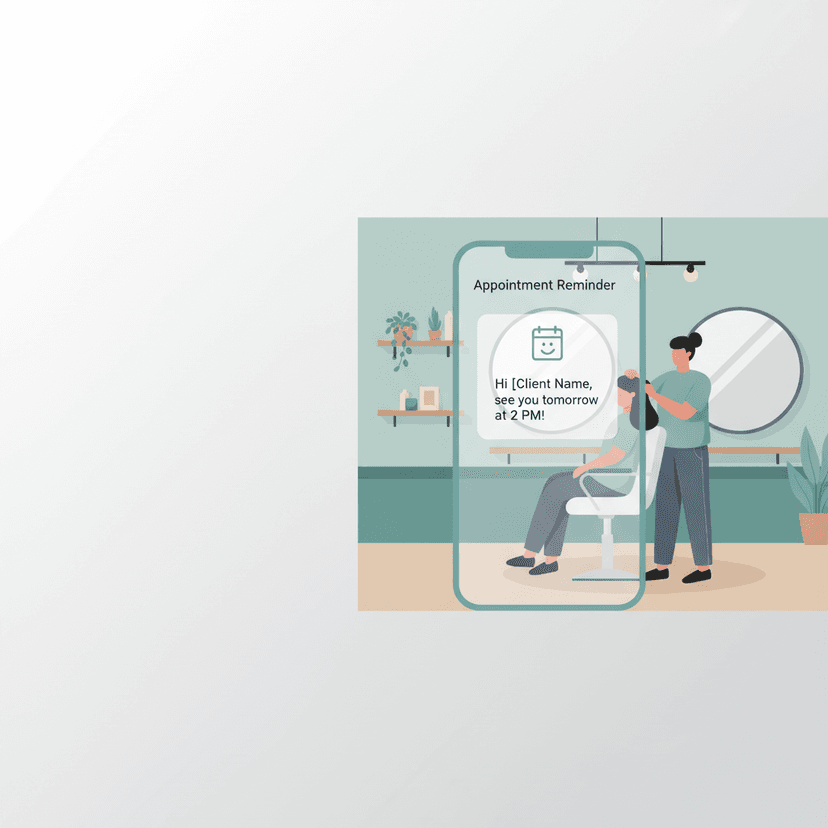
AI Receptionists and Automation Managing high volumes of messages can quickly overwhelm a small team. Integrating AI agents or receptionists with your shared inbox allows you to scale your operations without dramatically increasing your headcount. When a complex issue arises, the AI seamlessly hands the conversation over to a human team member within the shared inbox. Furthermore, automation is highly effective for reducing appointment abandonment. Implementing automated SMS reminders can reduce appointment no-shows by up to 50% and decrease inbound call volumes by 25% [3]. By automating these reminders through a shared inbox, your staff spends less time on the phone and more time focusing on high-value tasks.
Comparing Shared Inbox Solutions:
What to Look For When evaluating platforms for your business, it is helpful to compare how different tools handle team collaboration and automation.
| Feature | Conversify | Traditional Shared Inboxes | Basic Messaging Apps |
|---|---|---|---|
| SMS & WhatsApp Integration | Yes, fully unified | Often requires separate add-ons | No, limited to one channel |
| AI Receptionist Capabilities | Built-in, automated resolution | Limited to basic keyword rules | None |
| Collision Detection | Real-time alerts | Basic assignment | None, leads to duplicate replies |
Frequently Asked Questions
Can multiple team members use the same WhatsApp number?
Yes, by using a shared inbox connected to the WhatsApp Business Platform, multiple team members can send and receive messages simultaneously from a single business phone number [7]. The software coordinates the messages so that team members can collaborate without interfering with one another.
What is the WhatsApp 24-hour response window?
Meta enforces a rule where businesses can only send free-form replies to customers within 24 hours of the customer's last message [6]. If you need to contact a customer after this 24-hour window, you must use an approved template message to initiate the conversation [6].
How does collision detection work in a shared inbox?
Collision detection is a real-time feature that alerts team members if someone else is currently viewing or typing a reply to the same message [7]. This prevents duplicate responses and ensures a consistent, professional experience for your customers.
Do I need a verified Meta Business Account to use WhatsApp Business?
Yes, to connect your business phone number to the official WhatsApp Business Platform and use a shared inbox, you must have a verified Meta Business Account [5]. This verification process ensures business authenticity and compliance with Meta's messaging policies.
How much does it cost to send messages on WhatsApp Business?
Meta transitioned WhatsApp Business API pricing to a per-message billing model on January 1, 2026 [9]. Businesses are now billed based on individual messages sent, rather than flat-rate conversation fees, making it important to monitor high-volume communications.
Can SMS reminders really reduce missed appointments?
Yes, implementing automated SMS reminders has been shown to reduce appointment no-shows by up to 50% [3]. Additionally, offering automated text reminders can decrease inbound phone call volumes by up to 25%, freeing up valuable staff time [3].
Sources [1] [WhatsApp Statistics for
Businesses](https://m.aisensy.com/blog/whatsapp-statistics-for-businesses/) [2] SMS in Healthcare: 7 Powerful Statistics That Prove Its Value [3] Healthcare Texting Statistics [4] SMS Benchmarks for Healthcare and Social Assistance [5] WhatsApp Shared Inbox Guide [6] Heymarket Shared Inbox Product Overview [7] Two-Way Business Texting Solutions [8] Patient Communication Preference Report [9] WhatsApp Business Statistics and Pricing Updates
David Friedman - Founder, Conversify · LinkedIn
David Friedman is a B2B operations leader with over 10 years of experience managing large-scale teams and business processes. After years of working with service businesses and seeing how much time was lost to manual customer communication, he founded Conversify, an AI-powered platform that helps healthcare practices and service providers across Europe automate their patient and client interactions. David built the platform from the ground up, working directly with practicing healthcare professionals to ensure every feature solves a real operational pain point. He is based in Spain.