
How to Connect an AI Auto-Responder to Your Clinic's EHR
Struggling to connect your patient communication systems? Discover how to securely set up an EHR-integrated AI auto-responder using FHIR R4 APIs without risking HIPAA compliance.
To connect an AI auto-responder to your clinic's EHR system, you must integrate the automation software with the EHR's API (such as FHIR R4) to sync patient details and scheduling in real time. This setup allows the AI to securely read demographics and write back appointments without manual staff entry.
According to HealthIT.gov, 71 percent of U.S. hospitals now use predictive AI integrated directly into their EHR systems [5]. Setting up an AI auto-responder setup relies on modern interoperability standards. The HL7 FHIR R4 standard is the primary protocol used by major EHRs like Epic, Athenahealth, and eClinicalWorks to exchange structured clinical data [4].
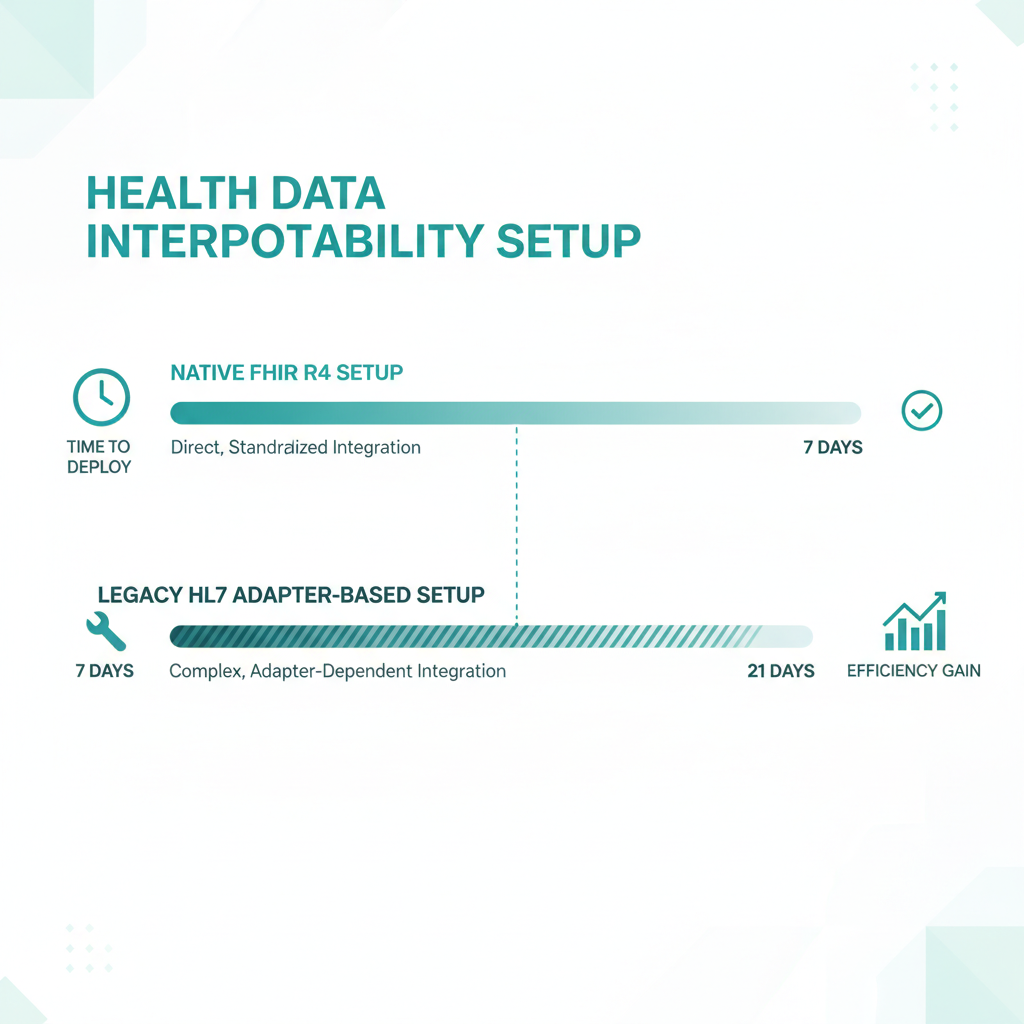
Depending on your system, setup takes 5 to 7 days for native FHIR R4 integrations, or 7 to 21 days for legacy HL7 middleware [1]. Before starting your ai auto-responder setup, you can read our related articles on patient engagement tools to understand the broader impact on clinic workflows. This seamless sync eliminates manual transcription, saving hours of administrative work.
Understanding the Architecture of an
EHR-Connected AI Auto-Responder
Many clinics struggle with how to implement advanced communication tools without disrupting their established workflows. According to a CHIME CIO Survey, 88 percent of healthcare providers state they need plug-and-play AI solutions rather than platforms that require rip-and-replace models [5]. This highlights why clinics setting up AI auto-responders look for software that integrates directly with their existing EHR systems instead of replacing them.
To achieve this plug-and-play functionality, modern AI auto-responders do not operate as isolated silos. Instead, they connect directly to your database, allowing tools like Conversify to sync information instantly. If you want to know more about our mission, check out the About Conversify page.
The technical backbone of this connection is the HL7 FHIR R4 standard. This standard is the primary modern interoperability protocol used by major EHRs like Epic, Athenahealth, and eClinicalWorks to exchange structured clinical data [4]. AI auto-responders rely on FHIR R4 resources to read patient demographics and write back scheduling updates in real-time. This ensures that when a patient texts your clinic, the AI can immediately identify who they are, check their scheduling history, and offer open appointment slots.
Step-by-Step Guide: How to Connect AI
to Epic, Athenahealth, and eClinicalWorks
Connecting your AI auto-responder setup to a specific EHR depends on the vendor's developer ecosystem. Here is how the process works for the three largest EHR platforms:
- Athenahealth Integration Process
- Epic Integration Process
- eClinicalWorks Integration Process
Timeline Expectations: Native FHIR R4 vs.
Legacy HL7 Middleware
When planning your ai auto-responder setup, understanding your EHR's technical capabilities is crucial for scheduling your launch. Timeline expectations vary significantly based on the integration method:
- Native FHIR R4 Integrations
- Adapter-Based Legacy Integrations
HIPAA Compliance and Security Measures for AI Integrations
Healthcare data security is heavily regulated, and clinics cannot afford to make mistakes. The Office for Civil Rights resolved or levied civil money penalties in 142 cases, totaling 142,448,772 dollars, for HIPAA violations [8]. When setting up an AI auto-responder, ensuring the system is fully HIPAA-compliant and backed by a signed Business Associate Agreement is critical to avoid massive regulatory fines.
Data breaches are also at an all-time high. In 2023, the Office for Civil Rights received reports of 725 data breaches, resulting in the exposure of over 133 million healthcare records [8]. This staggering volume of breaches underscores the absolute necessity of mapping every data flow when connecting an AI auto-responder to ensure no protected health information is leaked to unapproved cloud processors.
To secure your integration, implement these security measures:
- Data Minimization: Only sync the specific FHIR fields required for the auto-responder to function, such as name, phone number, and appointment times.
- OAuth 2.0 Authentication: Ensure all API requests use secure token-based authentication rather than static API keys.
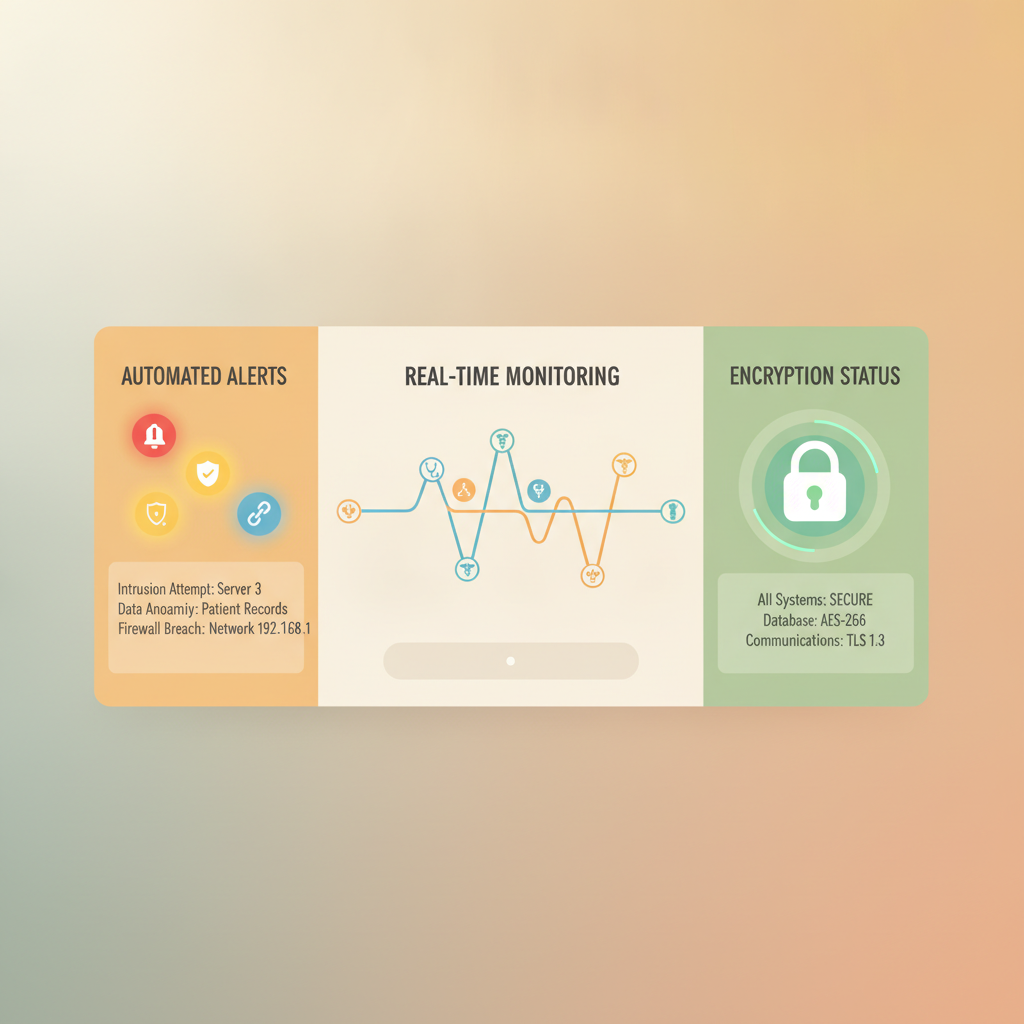
- AI-Driven Security Monitoring: Integrating an AI-powered security system alongside your EHR-connected auto-responder can reduce security incident response times by 70 percent through automated alerts and real-time monitoring [9]. This helps clinics rapidly contain potential threats and maintain continuous HIPAA compliance.
The Administrative Impact: Why Clinics
Are Automating Patient Communications
Integrating an AI auto-responder is not just about adopting new technology; it is about addressing severe operational bottlenecks. A typical 20-provider practice processes between 500 to 1,000 inbound documents weekly, with staff spending 2 to 3 minutes manually transcribing data per document [1]. Connecting an AI auto-responder or assistant to an EHR like eClinicalWorks helps automate these repetitive tasks, freeing up dozens of hours of staff time each week.
By automating routine inquiries, such as appointment scheduling, prescription refills, and basic clinic questions, your staff can focus on high-value patient care. To explore how you can roll this out in your clinic, view our flexible pricing plans.
Comparing EHR-Integrated AI with Standalone Alternatives
Many practices consider using generic, non-healthcare-specific marketing automation tools. However, these tools often fall short when compared to a dedicated, EHR-integrated solution.
| Feature | EHR-Integrated AI (e.g., Conversify) | Standalone Tools (e.g., ManyChat, Intercom) |
|---|---|---|
| Real-time EHR Sync | Yes, via FHIR R4 or REST APIs | No, requires manual entry or complex custom webhooks |
| HIPAA Compliance | Full compliance with signed BAA | Often limited or requires expensive enterprise plans |
| Setup Complexity | Managed setup (5 to 21 days) | Self-serve but lacks native clinical workflows |
| Data Security | OAuth 2.0 and secure data mapping | General consumer-grade encryption |
Frequently Asked Questions
How long does the ai auto-responder setup take?
Native FHIR R4 integrations typically allow for the fastest setup times of 5 to 7 days, whereas adapter-based integrations via Mirth Connect HL7 can take 7 to 21 days [1]. For systems like Athenahealth, the setup is typically completed in two to four weeks due to its well-documented developer API and accessible support [2].
Is a BAA required for an AI auto-responder?
Yes, a signed Business Associate Agreement (BAA) is absolutely mandatory under HIPAA regulations before connecting any AI tool to your EHR. The Office for Civil Rights has levied penalties in 142 cases, totaling 142,448,772 dollars, for HIPAA violations, highlighting the severe consequences of non-compliance [8].
How does Epic connect to third-party AI applications?
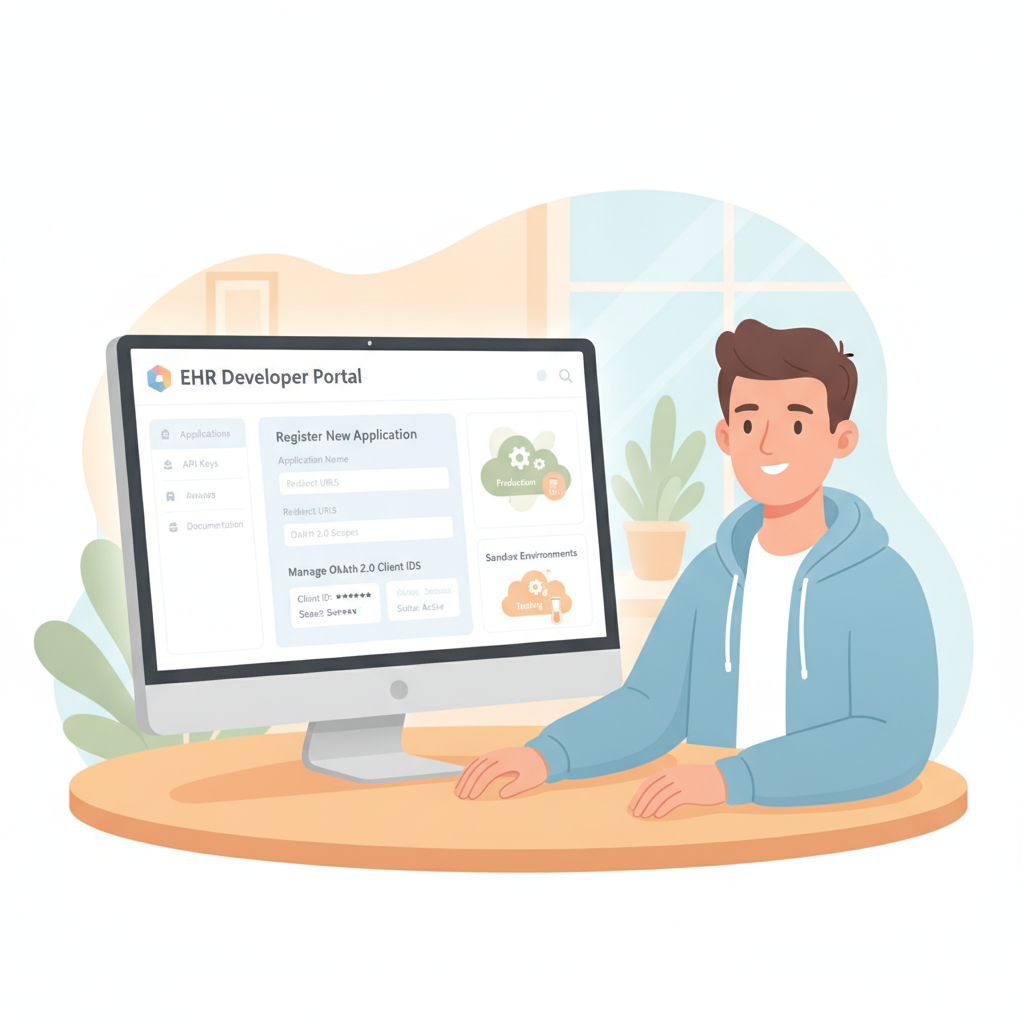
To connect a third-party AI auto-responder to Epic, developers must register the application through the Epic Connection Hub [3]. This platform allows developers to manage OAuth 2.0 Client IDs and access sandbox environments to ensure secure clinical data exchange [3].
Can eClinicalWorks sync with AI auto-responders
in real-time?
Yes, eClinicalWorks offers a RESTful API framework that uses JSON for data payloads and OAuth 2.0 for authentication [4]. This framework allows external AI messaging tools to securely read patient records and write back clinical notes or appointment details without manual data entry [4].
How many data breaches occurred in healthcare recently?
In 2023, the Office for Civil Rights received reports of 725 data breaches, which resulted in the exposure of over 133 million healthcare records [8]. This high frequency of breaches makes it critical to map every data flow when connecting an AI auto-responder to prevent leaks of protected health information [8].
Do healthcare providers prefer plug-and-play
AI integrations?
According to a CHIME CIO Survey, 88 percent of healthcare providers state they need plug-and-play AI solutions rather than platforms that require rip-and-replace models [5]. This shows why clinics prioritize AI auto-responders that integrate directly with their existing EHR systems instead of replacing them [5].
Sources
- Keragon EHR Integration Guide
- Athenahealth Developer Portal
- Thinkitive Epic Integration Services
- Technosoft eClinicalWorks API Integration
- Zero Denial Healthcare AI Adoption Survey
- Roving Health Interoperability Standards
- Conversify Patient Engagement Solutions
- HIPAA Vault Security and Breach Reports
- Murphi AI Security Incident Monitoring
Conclusion
Setting up an AI auto-responder does not have to be a technical headache or a compliance risk. By leveraging modern FHIR R4 standard APIs and choosing a plug-and-play solution that integrates directly with major EHR platforms like Epic, Athenahealth, or eClinicalWorks, your clinic can streamline administrative tasks, secure patient communications, and recover dozens of staff hours every single week.
David Friedman - Founder, Conversify · LinkedIn
David Friedman is a B2B operations leader with over 10 years of experience managing large-scale teams and business processes. After years of working with service businesses and seeing how much time was lost to manual customer communication, he founded Conversify, an AI-powered platform that helps healthcare practices and service providers across Europe automate their patient and client interactions. David built the platform from the ground up, working directly with practicing healthcare professionals to ensure every feature solves a real operational pain point. He is based in Spain.