
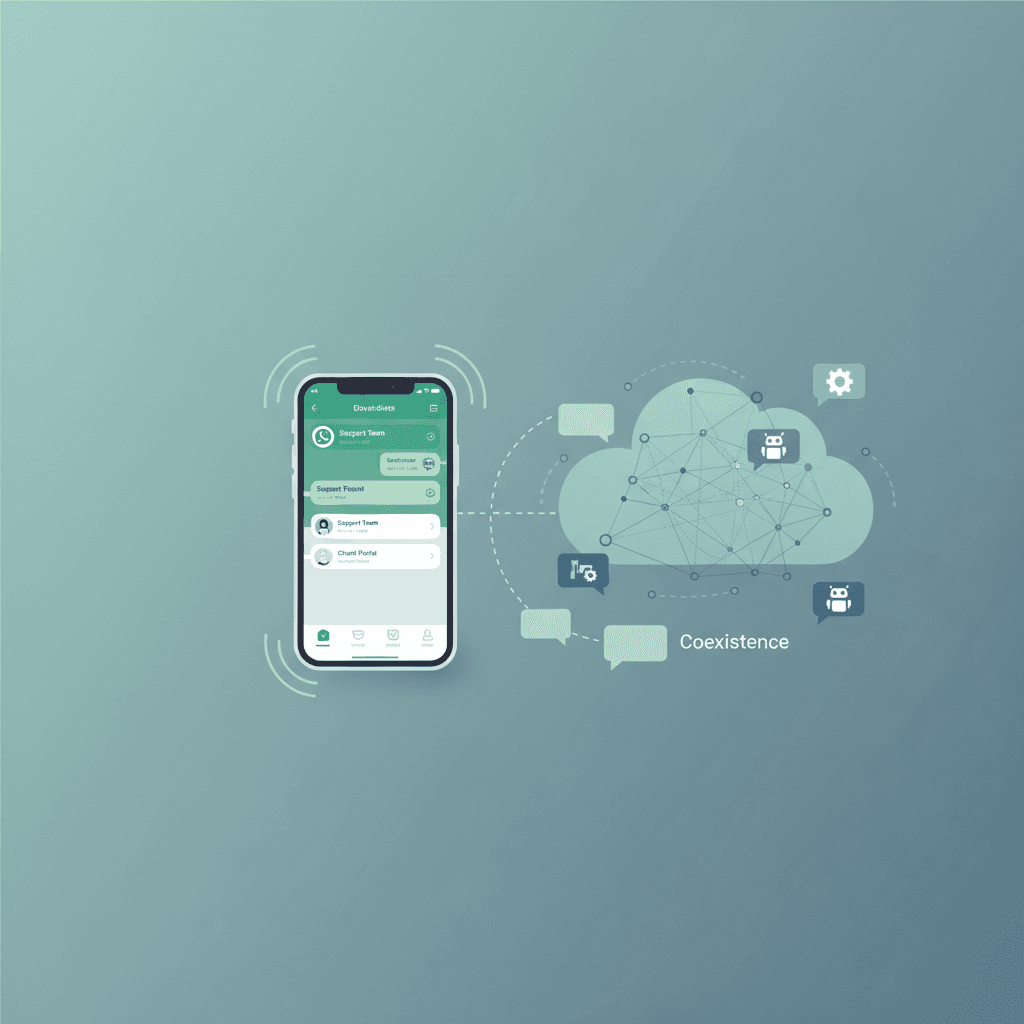
Can You Use the WhatsApp Business App and API on One Number?
Discover how Meta's WhatsApp Coexistence feature allows you to run the WhatsApp Business App and the WhatsApp Cloud API simultaneously on a single phone number.
Yes, you can officially use the WhatsApp Business app and the WhatsApp API on the same phone number simultaneously [1]. This official Meta feature, known as WhatsApp Coexistence, allows small businesses to run both platforms together [2]. Using Conversify, you can now automate customer interactions through the API while keeping your team on the familiar mobile app [3]. Historically, moving a phone number to the WhatsApp Cloud API meant completely deleting your account from the mobile app [1]. Now, WhatsApp Coexistence eliminates this restriction, enabling a dual-platform setup where messages sync in real time across both interfaces [2]. This capability is a game-changer for whatsapp automation for small business, letting you deploy AI-powered auto-responses while maintaining a personal touch [4]. To get started, your business must run WhatsApp Business App version 2.24.17 or higher on your primary mobile device [2]. This setup allows you to sync up to six months of chat history and contacts directly to your API-connected shared inbox, ensuring your team has full historical customer context [3].
What is WhatsApp Coexistence?
For years, small businesses faced a frustrating dilemma. They had to choose between the simplicity of the WhatsApp Business App and the scalability of the WhatsApp Business Platform Cloud API. If you wanted to build advanced automation, you had to migrate to the API, which meant losing access to the official mobile app entirely [1]. Teams that preferred chatting with customers on their phones were forced to adapt to complex web dashboards. Meta solved this problem by introducing WhatsApp Coexistence [2]. This architectural update allows a single phone number to be registered on both the WhatsApp Business App and the Cloud API at the same time [1]. It eliminates the old requirement where moving a phone number to the API meant completely unlinking and deleting it from the mobile app [1]. This feature is particularly beneficial for small service providers, such as salons, restaurants, stores, and agencies. It allows on-the-ground staff to handle walk-ins and direct inquiries from their phones, while an AI assistant or shared inbox handles automated bookings and after-hours support in the background.
How Does Bidirectional Message Syncing Work?
One of the most impressive technical aspects of WhatsApp Coexistence is how it manages the flow of messages between the physical phone and the cloud API. Meta has implemented a bidirectional syncing mechanism that ensures both interfaces remain completely aligned [2]. - API to App Syncing: When your business sends a message via the Cloud API (for example, an automated appointment confirmation triggered by Conversify), that message is automatically synced and displayed inside your mobile WhatsApp Business App [2]. Your mobile team can see exactly what the automation sent. - App to API Syncing: When a team member types and sends a message directly from the mobile app, Meta delivers that message to the API's webhook URL via a specialized event called an `smb_message_echoes` event [2]. This means your connected CRM or shared inbox receives the message instantly, keeping the thread updated for anyone monitoring the desktop dashboard [3]. This real-time synchronization prevents the common issue of double-messaging, where an automated bot and a human agent accidentally reply to the same customer with conflicting information. 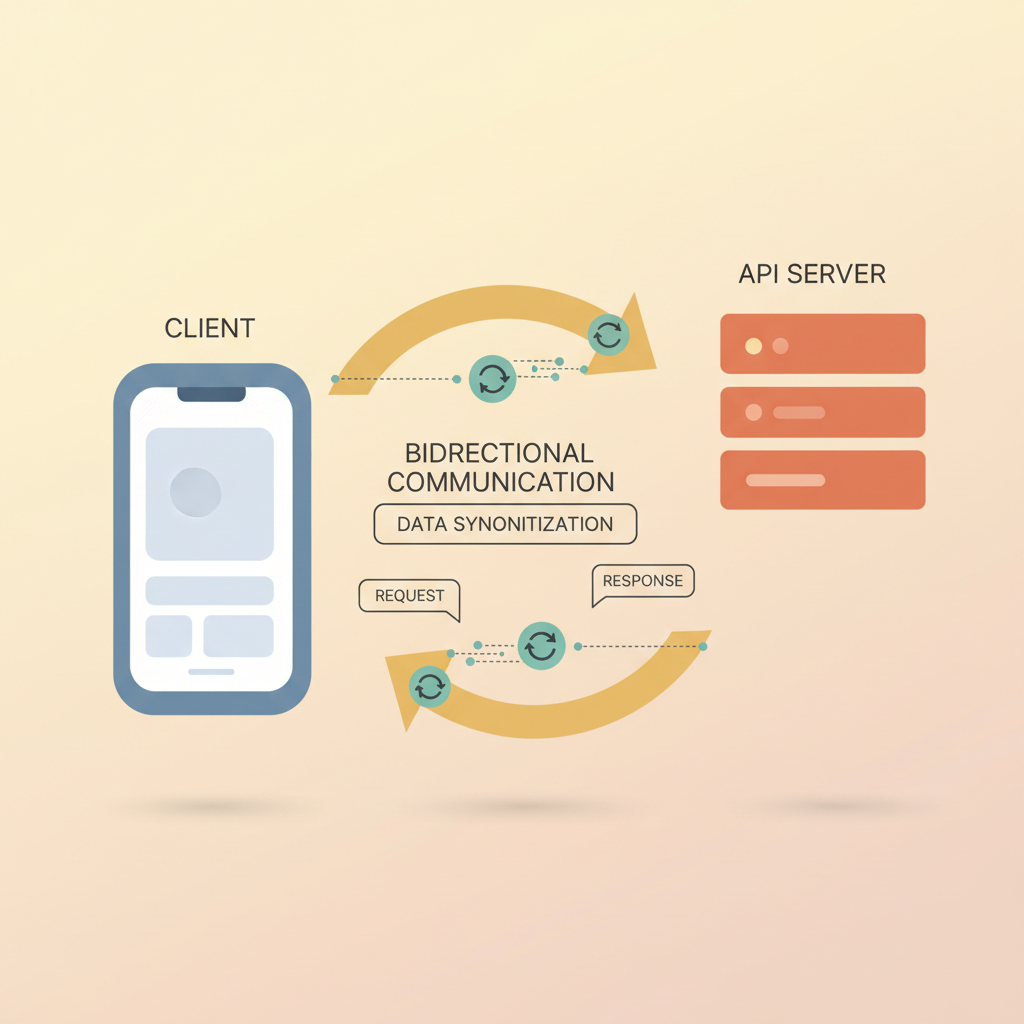
Technical Requirements and Limitations
You Must Know While WhatsApp Coexistence is incredibly powerful, Meta has put several technical guardrails and limitations in place to ensure platform stability. Before planning your migration, review these essential requirements: - App Version Requirement: To use WhatsApp Coexistence, the business must be running WhatsApp Business App version 2.24.17 or higher on their primary mobile device [2]. This version contains the underlying architecture required to handle dual-platform routing and message syncing [3]. - App Activity Rule: To keep the Coexistence connection active, the primary WhatsApp Business App on the mobile device must be opened at least once every 13 to 14 days [2]. Meta enforces this inactivity rule to ensure the mobile session remains valid. If the app is not opened within this window, the API connection will drop [2]. - Tenure Requirement: The phone number must be actively used on the WhatsApp Business App for at least 7 days to become eligible for Meta's Coexistence onboarding flow [2]. This prevents brand-new numbers from immediately bypassing standard API registration protocols [3]. - Onboarding Flow: Coexistence onboarding must be initiated from the WhatsApp Business App side using Meta's Embedded Signup flow with a supported Business Solution Provider or Tech Provider [2]. You cannot simply link an existing API-only number backward to a mobile app; the setup must start with an active mobile app number [2]. - Regional Restrictions: The WhatsApp Coexistence feature is currently restricted by region and is not available for phone numbers registered in Nigeria or South Africa [2]. Small businesses operating in these unsupported regions must still choose between the standard mobile app or a complete migration to the Cloud API [3]. - API Throughput: The API throughput under a Coexistence setup is fixed at a maximum of 20 messages per second [2]. While this limit is more than sufficient for small businesses automating appointment bookings or AI auto-responses, it is a key technical constraint to keep in mind for high-volume senders [3]. - Disabled Native Features: Certain native app features, such as broadcast lists, disappearing messages, and view-once media, are disabled or become read-only on the WhatsApp Business App while Coexistence is active [2]. Small businesses looking to run high-volume marketing campaigns must transition those broadcasts to the API side, as Meta restricts these features on the mobile app during dual-platform use [3].
Understanding the Cost Structure of
Coexistence Another major benefit of the Coexistence framework is how it handles messaging costs. Meta has designed a hybrid pricing structure that allows small businesses to optimize their communication budgets [2]. Messages sent directly from the WhatsApp Business App remain free of charge [2]. If your team uses the physical phone to reply to customers, those conversations do not incur Meta's API fees [2]. Conversely, messages sent via the WhatsApp Cloud API are subject to Meta's standard conversation-based pricing [2]. This includes automated templates, AI-driven responses, and utility messages triggered by your CRM. This pricing structure allows small businesses to manage costs strategically. You can use the free mobile app for manual, one-on-one follow-ups and reserve the paid API for automated workflows like appointment bookings and marketing campaigns [3]. To see how this fits into your budget, you can review our pricing plans to find the best fit for your business volume. 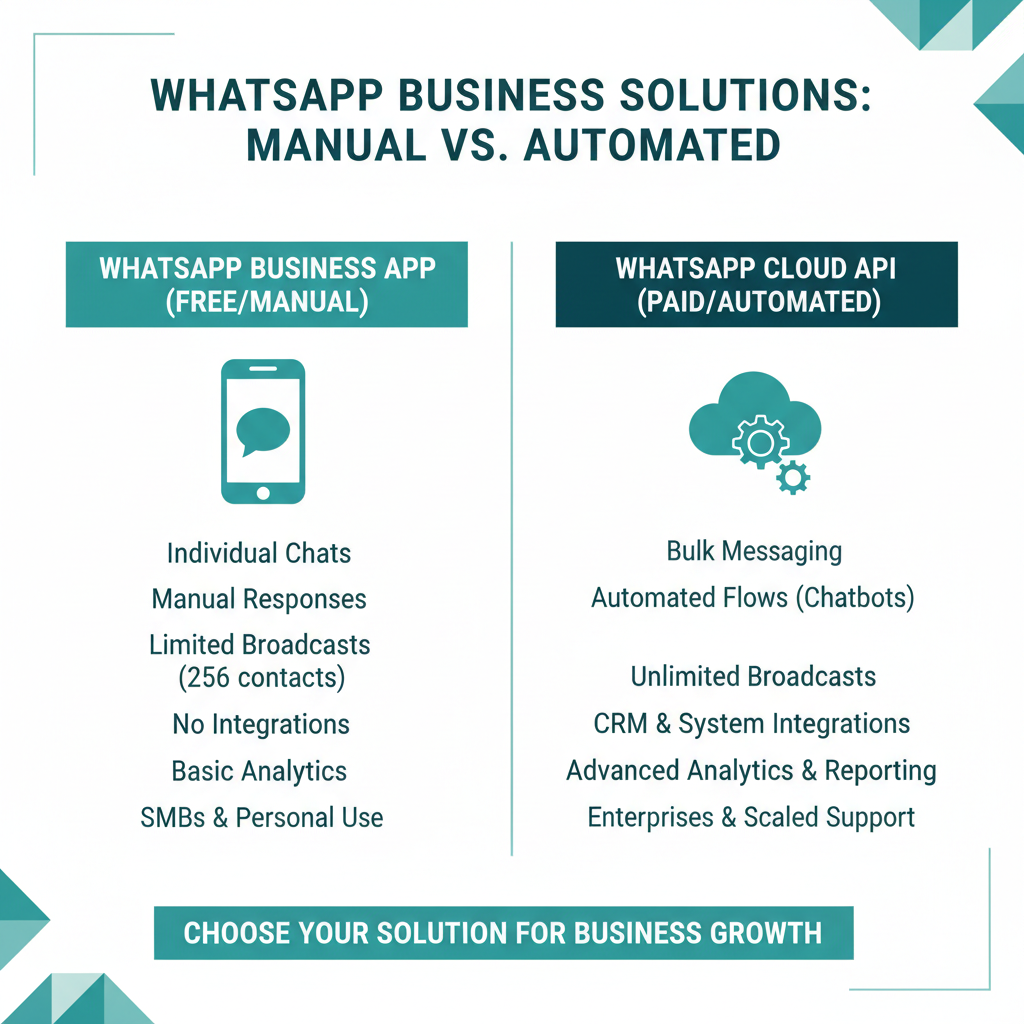
How to Set Up WhatsApp Coexistence Setting
up Coexistence requires following a specific sequence of steps. Because you cannot link an API-only number backward, you must start from the mobile app side [2]. - Step 1: Verify your phone number has been active on the WhatsApp Business App for at least 7 days [2]. - Step 2: Update the WhatsApp Business App on your primary mobile device to version 2.24.17 or higher [2]. - Step 3: Log into your Business Solution Provider or Tech Provider dashboard to initiate Meta's Embedded Signup flow [2]. - Step 4: Follow the prompts to register the active phone number to the WhatsApp Cloud API [2]. - Step 5: Accept the Coexistence terms within the mobile app when prompted to link the two interfaces [2]. - Step 6: Connect your newly linked API to Conversify to configure your AI receptionist, shared inbox, and automated workflows [3]. - Step 7: Set a recurring calendar reminder to open the mobile app at least once every 13 days to keep the connection active [2].
Conversify vs. Traditional WhatsApp
Setup Choosing how to configure your WhatsApp channel depends on your team's workflow. The table below compares the traditional setups with the new Coexistence model powered by Conversify. You get the best of both worlds: a free, familiar mobile app for your staff and a robust, AI-powered automation engine for your business growth. 
Frequently Asked Questions
Can I link an existing API-only number back to the WhatsApp Business App?
No, you cannot link an existing API-only number backward to the mobile app [2]. The Coexistence onboarding flow must be initiated from the WhatsApp Business App side using Meta's Embedded Signup flow with a supported Tech Provider [2]. This ensures the phone number is established on the mobile client before registering with the Cloud API.
What happens if I do not open the WhatsApp Business App for two weeks?
To keep the Coexistence connection active, the primary WhatsApp Business App on your mobile device must be opened at least once every 13 to 14 days [2]. If you fail to do this, Meta enforces an inactivity rule that causes the API connection to drop, which will pause your automated workflows until you re-authenticate the app [2].
Are broadcast lists supported on the mobile app during Coexistence?
No, certain native app features like broadcast lists, disappearing messages, and view-once media are disabled or become read-only on the WhatsApp Business App while Coexistence is active [2]. Businesses looking to run marketing campaigns must transition those broadcasts to the API side, utilizing template messages instead [3].
How much chat history can I sync when setting up Coexistence?
Under Coexistence, up to six months of one-on-one chat history and contacts can be synced from the WhatsApp Business App to the API-connected CRM or shared inbox [2]. This capability is highly beneficial for small businesses, allowing teams to retain historical customer context when transitioning to automated systems [3].
Is WhatsApp Coexistence available worldwide?
No, the WhatsApp Coexistence feature is currently restricted by region and is not available for phone numbers registered in Nigeria or South Africa [2]. Small businesses operating in these unsupported regions must still choose between the standard WhatsApp Business App or a complete migration to the Cloud API [3].
What is the message sending limit under a Coexistence setup?
The API throughput under a Coexistence setup is fixed at a maximum of 20 messages per second [2]. While this limit is more than sufficient for small businesses automating appointment bookings or AI auto-responses, it is a key technical constraint to keep in mind for high-volume senders [3].
Sources
- [1] [We Tarseel - WhatsApp
- [2] 360dialog - Phone Numbers Coexistence
- [3] Respond.io - How to Use WhatsApp Business App and API at the Same Time
- [4] LeadNotifi - WhatsApp Coexistence Guide
- [5] MenuThere - Can I Use the Same Number on WhatsApp App and API?
- [6] LeadSquared - WhatsApp Coexistence Explained
- [7] Facebook Developer Community - WhatsApp Coexistence Thread
- [8] GoHighLevel - WhatsApp Coexistence Feature
David Friedman - Founder, Conversify · LinkedIn
David Friedman is a B2B operations leader with over 10 years of experience managing large-scale teams and business processes. After years of working with service businesses and seeing how much time was lost to manual customer communication, he founded Conversify, an AI-powered platform that helps healthcare practices and service providers across Europe automate their patient and client interactions. David built the platform from the ground up, working directly with practicing healthcare professionals to ensure every feature solves a real operational pain point. He is based in Spain.