

How to Text Clients Without Giving Out Your Personal Number
Want to text your clients without sacrificing your personal privacy? Learn how to set up a dedicated business number using two-way SMS and WhatsApp business messaging to keep your boundaries intact.
You can text clients from a business number without sharing your personal cell phone by using an AI-powered communication platform like Conversify. This software routes messages through a dedicated business line, enabling secure two-way sms and whatsapp business messaging so you can protect your privacy while engaging the 73.3 percent of consumers who prefer texting over other channels [5]. Relying on your personal phone for business communications often leads to blurred boundaries, constant interruptions, and a lack of professional control. By adopting a unified inbox that supports both SMS and WhatsApp, service providers can manage all client interactions from a single dashboard. This approach is highly effective; for instance, research shows that customers respond three times more to multichannel messaging campaigns that combine SMS, WhatsApp, and email than to single-channel efforts [8]. With tools like Conversify, you get a dedicated business number that functions on any desktop or mobile device. This allows you to scale your operations, collaborate with team members, and implement automation without ever exposing your private contacts or personal cell number. You can easily view our pricing plans to find an option that fits your business size, or read our related articles to learn more about modern communication strategies.
Why Personal Numbers and Business Texting
Do Not Mix Many solo service providers, consultants, and small team owners begin their ventures by handing out their personal cell phone numbers. While this feels convenient at first, it quickly becomes an administrative nightmare. Clients may text at all hours of the night, expecting immediate responses, which leads to rapid burnout and a complete lack of work-life balance. Furthermore, using a personal number looks unprofessional and limits your ability to scale. If you ever hire an assistant or an intake coordinator, you cannot easily share access to your personal text messages. Shifting to a dedicated business line solves this problem instantly while meeting the overwhelming consumer demand for text communication. If you do not offer a secure, professional way to text, you risk losing clients to competitors who do. This setup allows you to send and receive text messages using a dedicated business line that is completely separate from your personal SIM card. By routing your business messages through a virtual platform, you gain access to powerful tools that a standard cell phone simply cannot offer. This includes shared team inboxes, automated out-of-office replies, and integration with your scheduling software. To learn more about the team behind these solutions, visit About Conversify. Additionally, incorporating WhatsApp into your strategy is essential for modern client engagement. During Meta's Q1 2025 earnings call, Chief Executive Officer Mark Zuckerberg announced that WhatsApp had surpassed 3 billion monthly active users globally [7]. Small businesses are rapidly adopting this channel; Meta reported that the WhatsApp Business app reached over 200 million monthly active users globally as of June 2023, representing a fourfold increase from 2020 [4]. While some software vendors claim impossible open rates, real-world benchmarks analyzed across 13.9 million campaign messages in 2026 show that WhatsApp messages achieve a volume-weighted open rate of 79.0 percent [6]. This verified benchmark still vastly outperforms traditional email marketing, making it an incredibly reliable way to reach your audience. 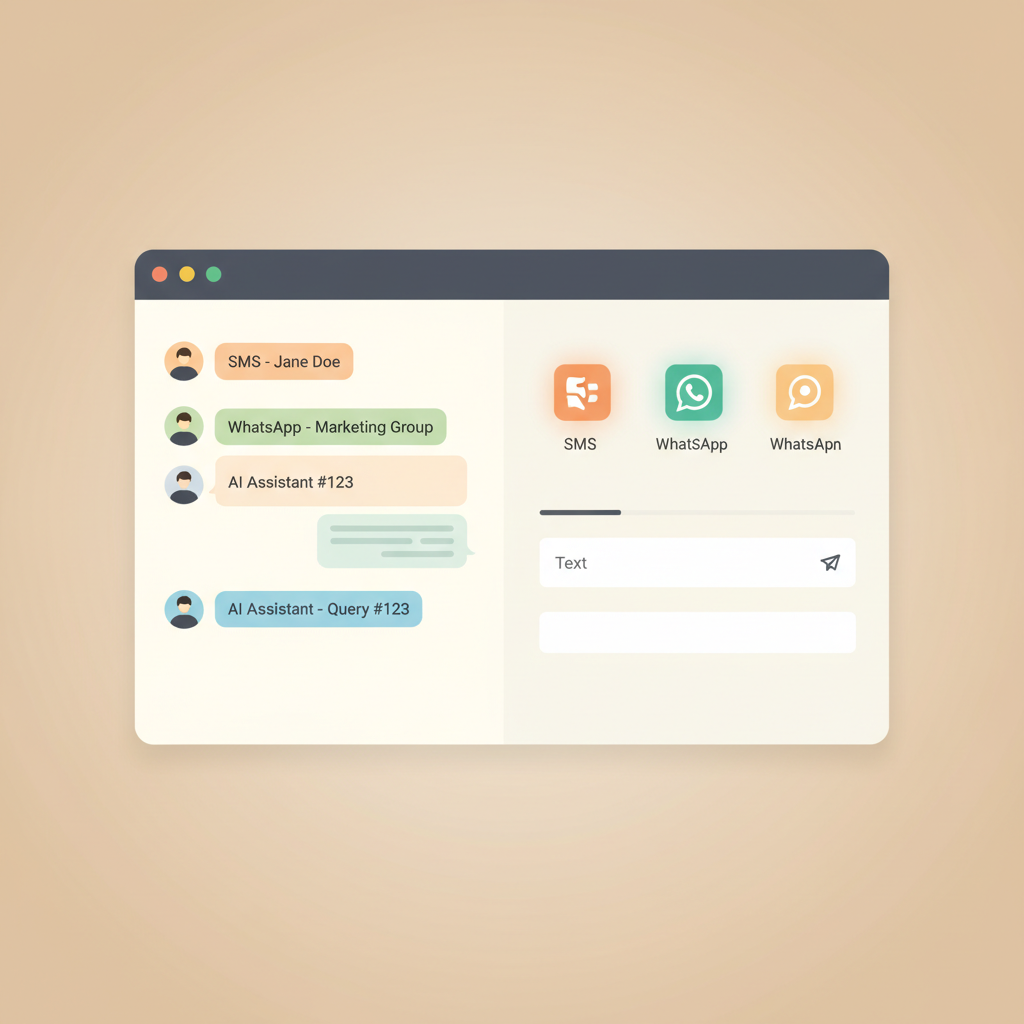
Step-by-Step Guide to Setting Up a Business
Texting Number Transitioning to a professional texting system is straightforward and does not require any advanced technical skills. Here is how you can set up a dedicated business number without giving out your personal cell phone: * Select a virtual messaging platform: Choose a software provider like Conversify that supports both two-way SMS and WhatsApp business messaging from a single dashboard.
- Choose your business number: You can select a new local or toll-free number, or you can host your existing business landline number so clients can text the same number they already call.
- Install the application: Download the platform's app on your personal cell phone and log in on your desktop. This allows you to send and receive business texts without clients ever seeing your personal cellular number.
- Set up your automated workflows: Configure welcome messages, appointment reminders, and away messages to handle incoming texts when you are busy or closed.
- Promote your new texting line: Add a "Text Us" button to your website, update your email signature, and mention your texting capabilities on your social media profiles. By setting up these automated workflows, you also save massive amounts of administrative time. In SimpleTexting's 2026 SMS Marketing Report, 71 percent of businesses reported that using AI has improved their SMS marketing success, saving them an average of four to six hours per week [2].
The Hidden Benefits of Shifting from
Phone Calls to Messaging Moving away from traditional phone calls does more than just protect your privacy; it dramatically improves your daily business operations. Constant phone interruptions disrupt your workflow and lower your productivity. Shifting routine inquiries to text messaging helps free up your time and allows you to focus on high-value client work. Furthermore, text messaging is highly effective at reducing missed appointments. FalkonSMS also reported that sending text message reminders can reduce appointment no-shows by 30 percent to 50 percent [3]. This directly improves your revenue and keeps your schedule filled. Because text notifications are highly visible, clients respond to them almost instantly. SimpleTexting's 2026 report found that 74 percent of consumers check text notifications within five minutes of receiving them [2]. This rapid response rate makes SMS and WhatsApp incredibly efficient channels for time-sensitive updates, schedule changes, and last-minute openings. 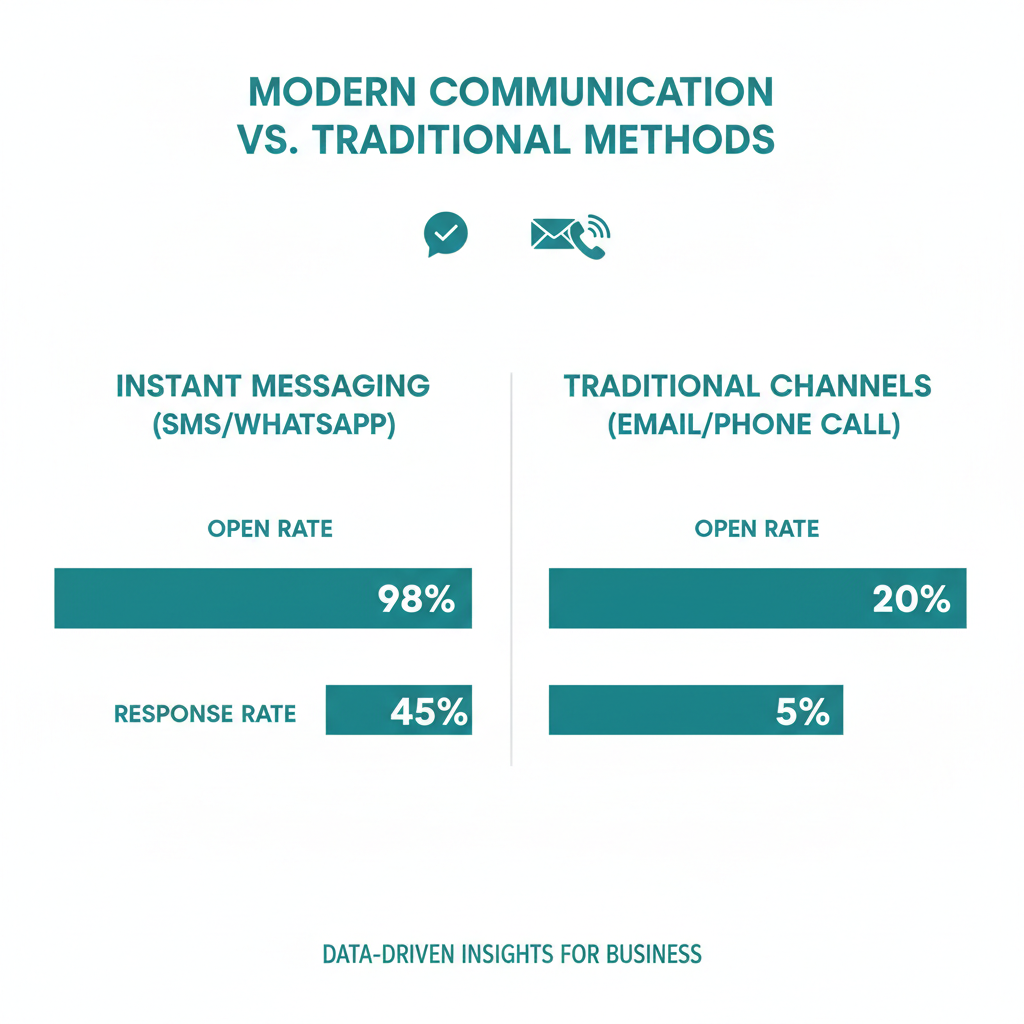
Comparing Business Texting Platforms:
What to Look For When evaluating platforms to manage your client communications, it is important to choose a solution that aligns with your operational goals. While competitors like ManyChat, respond.io, and Intercom offer messaging tools, you should look for specific features that maximize efficiency for service-based businesses.
| Feature | Conversify | Basic Voip Providers | Traditional Competitors |
|---|---|---|---|
| Unified SMS & WhatsApp Inbox | Yes | No | Sometimes |
| AI Auto-Responses | Yes | No | Requires Complex Setup |
| Appointment Booking Integration | Yes | No | No |
| Shared Team Access | Yes | Yes | Yes |
Frequently Asked Questions
Can I use my existing business landline to send and receive text messages?
Yes, you can easily host your existing business landline number on a digital messaging platform without affecting your voice service. This allows you to send and receive text messages through a web dashboard or mobile app while keeping your voice calls routed exactly as they are now.
Do I need a second physical phone to use a business texting number?
No, you do not need a second physical phone or SIM card to text from a business number. Platforms like Conversify allow you to manage your business messages via a secure mobile app or desktop browser on your existing devices, keeping your personal number entirely hidden.
What is the difference between SMS and WhatsApp Business messaging?
SMS uses traditional cellular networks and is ideal for quick, carrier-based text alerts and updates. WhatsApp Business utilizes internet data, allowing for rich media sharing, global reach, and interactive messaging with over 3 billion active users worldwide [7].
How does two-way SMS and WhatsApp business messaging improve client retention?
Offering interactive messaging options meets modern consumer expectations, especially among younger demographics. This ensures your clients receive an instant response while saving your team an average of four to six hours per week [2].
How quickly do clients typically read text messages?
Text messaging is incredibly fast and efficient for time-sensitive updates. Research reveals that 74 percent of consumers check their text notifications within five minutes of receiving them [2].
Does shifting to text messaging really reduce phone calls?
Yes, shifting routine inquiries to messaging channels significantly reduces phone traffic.com/engage/resources/business-messaging/patient-communication-in-healthcare-2026/)
- [2] SimpleTexting SMS Marketing Report
- [3] FalkonSMS Industry Report
- [4] This and That Chat WhatsApp Statistics
- [5] SchedulingKit WhatsApp Business Statistics
- [6] Chatarmin WhatsApp Statistics
- [7] Search Engine Land WhatsApp Users Guide
- [8] Enabld.tech Multichannel Messaging Benefits Taking control of your client communication does not require you to sacrifice your personal privacy. By adopting a dedicated business number powered by modern messaging software, you can establish clear boundaries, reduce administrative overhead, and deliver the seamless, text-based experience your clients actively prefer.
David Friedman - Founder, Conversify · LinkedIn
David Friedman is a B2B operations leader with over 10 years of experience managing large-scale teams and business processes. After years of working with service businesses and seeing how much time was lost to manual customer communication, he founded Conversify, an AI-powered platform that helps healthcare practices and service providers across Europe automate their patient and client interactions. David built the platform from the ground up, working directly with practicing healthcare professionals to ensure every feature solves a real operational pain point. He is based in Spain.