
How to Automate Lead Follow-Up Without Sounding Like a Robot
Discover how to automate your lead follow-up using conversational SMS and AI without losing the personal touch. Learn the key strategies to engage prospects instantly and naturally.
Lead capture automation for service businesses succeeds when you replace rigid, one-way templates with immediate, two-way conversational messaging. By using Conversify to instantly trigger authentic, open-ended questions via SMS, you can respond to new inquiries within the critical five-minute window [1] without sacrificing the personal touch that high-value clients demand. Transitioning from slow emails to interactive SMS is key. Text messages boast an incredible 95% to 98% open rate, with 90% of those messages read within three minutes of delivery [7]. Contacting a lead within five minutes makes a business 100 times more likely to establish contact compared to waiting thirty minutes [2]. Yet, only 7% of companies currently manage to hit this critical window [3]. By leveraging Conversify's conversational AI assistant, service providers can automate these initial touchpoints naturally, ensuring every prospect receives an immediate, human-sounding response that drives engagement. At Conversify, we designed our AI receptionist platform to solve this exact dilemma, helping businesses scale their response times without losing their soul.
Why Speed-to-Lead Matters (And Why Most
Businesses Fail) The math behind lead response times is unforgiving. If a prospect fills out a contact form on your website, the clock starts ticking instantly. Research shows that responding to a lead within five minutes makes a business 100 times more likely to make contact and 21 times more likely to qualify that lead compared to waiting just thirty minutes [1]. 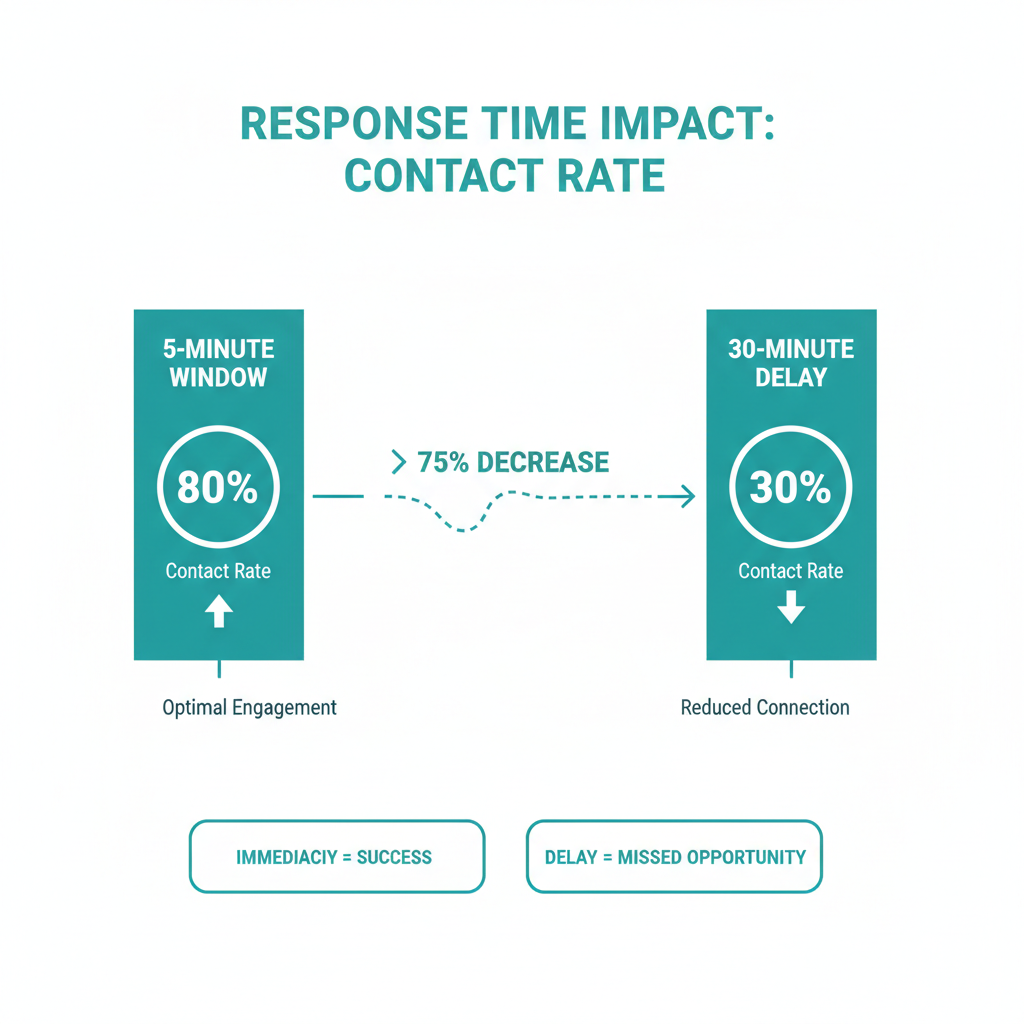 Despite this clear benchmark, the vast majority of service providers fail to capture this momentum. Only 7% of companies respond to inbound leads within five minutes, while a staggering 23% never respond at all [2]. This massive gap exists because small teams are often busy serving existing clients, answering phones, or managing daily operations. When an inbound lead arrives, it sits in an email inbox for hours, or even days, going completely cold. When prospects are searching for services online, they typically contact multiple providers at once. The business that replies first almost always wins the job. If you keep a lead waiting, they simply move down the search results to your closest competitor. Speed is not just a metric; it is the ultimate competitive advantage. If you miss the five-minute window, all is not lost, but you must act quickly. Companies that contact leads within one hour are nearly 7 times more likely to qualify them than those that wait even one hour longer [11]. The drop-off after sixty minutes is steep. Implementing reliable lead capture automation for service businesses is the only way to consistently beat these odds without hiring a round-the-clock call center.
The Psychology of Automated Messaging:
Why One-Way Texts Fail Many business owners hesitate to automate their outreach because they have been on the receiving end of spammy, robotic texts. We have all received those cold, transactional blasts: "Your appointment is confirmed" or "Click here to buy." These messages feel cold, transactional, and frustrating. In fact, 69% of clients report feeling frustrated by an inability to engage in two-way, conversational texting with their service providers [13]. When a client receives a text, their natural instinct is to reply to it. If your automation system uses a "no-reply" shortcode or a rigid template that cannot parse replies, you break the conversational thread and alienate the prospect. Modern consumers demand text-based communication. A massive 90% of clients prefer to receive business communications by text, placing SMS well ahead of email at 59% and phone calls at 34% [12]. To bridge the gap between automation and personalization, you must shift from broadcast texting to interactive, conversational messaging. 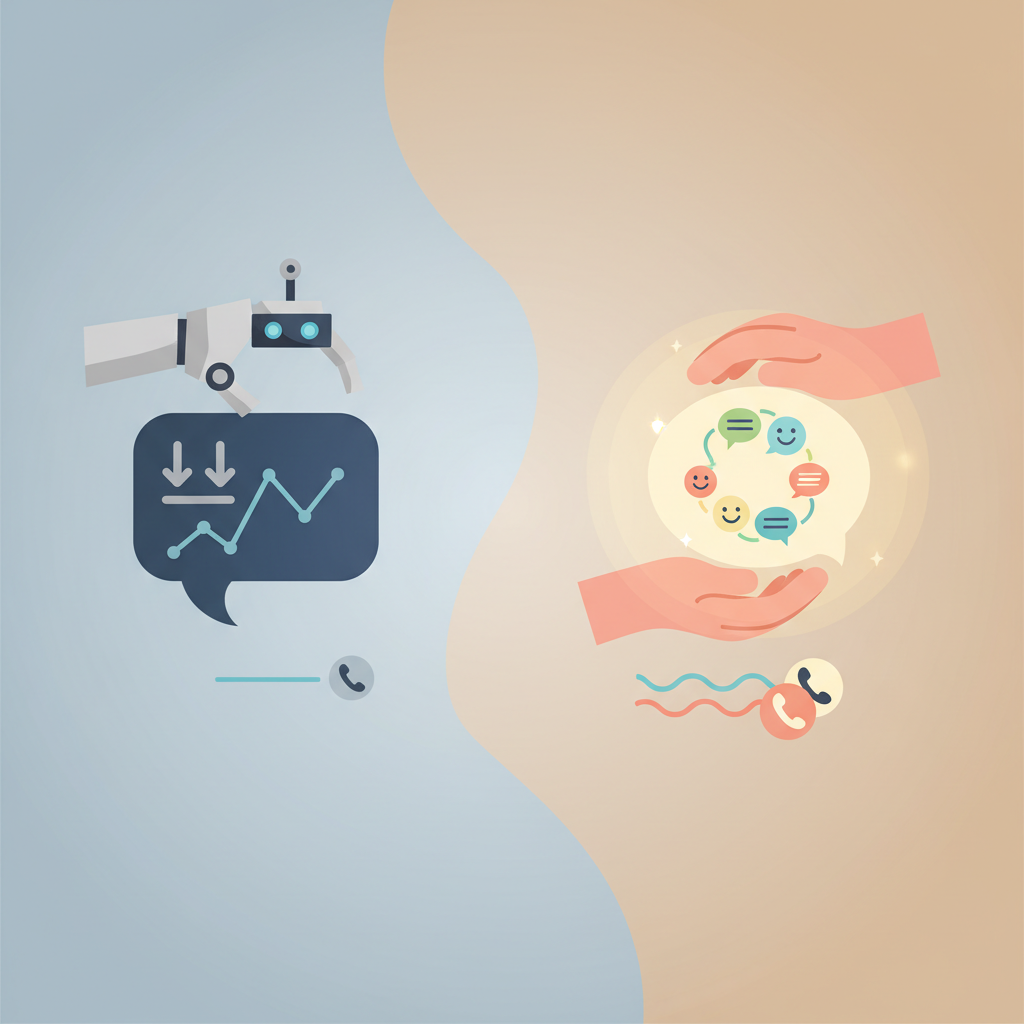 To avoid sounding like a machine, you must understand the subtle cues that signal automation. Real people do not use perfectly formatted blocks of text with corporate jargon. They write with casual phrasing, lowercase letters, and direct questions. When your automation mirrors these natural patterns, clients respond as if they are texting a friend. Instead of a robot dictating terms, your automation acts as a helpful digital receptionist.
How to Build a Human-Sounding Automation
Sequence Creating an automated sequence that feels authentic requires a shift in copywriting and strategy. Here is how you can build a high-converting, human-sounding flow for your service business: * Keep it brief and open-ended. Your first automated text should look like it was typed by a real person on their phone. Avoid formal language, long paragraphs, or multiple links. For example, instead of sending a message like "Thank you for contacting us. Your request has been received. One of our representatives will contact you shortly," try something like: "Hey there! Just saw you requested a booking on our site. I can grab you a spot this afternoon or tomorrow morning. Which works better?" This simple shift completely changes the dynamic.
- Leverage conversational AI for routine tasks. You do not need to hide the fact that you use automation. More than half of clients (55%) are comfortable with AI in text messaging as long as it is used for simple reminders and routine tasks [14]. Use AI to handle the scheduling, answer basic FAQs, and confirm times, saving complex consultations for your human team.
- Establish a multi-touch sequence. Many businesses make the mistake of giving up too early. Statistics show that 80% of sales require 5 or more follow-up contacts after the initial inquiry, yet 44% of sales reps give up after just one attempt [9]. Your automation should gently follow up over several days, alternating between helpful resources and direct questions.
- Use a unified inbox. Ensure that when a client does reply, your team can see the message instantly. A shared WhatsApp or SMS inbox allows your staff to jump into the conversation seamlessly whenever a complex question arises.
Overcoming the Administrative Tsunami
with Conversational AI The demand for digital communication has placed an unprecedented administrative burden on service businesses. Managing this influx manually is a recipe for operational chaos. Front desk staff become overwhelmed, leading to high turnover and clerical errors. By letting an AI assistant handle the initial triage, your team can focus on delivering high-quality services to the clients who are already in your building. By automating the first-touch response within five minutes of a form fill, you can increase qualified conversations by 20% to 35% within 60 to 90 days [10]. This immediate outreach prevents high-intent leads from turning to competitors who might reply faster. 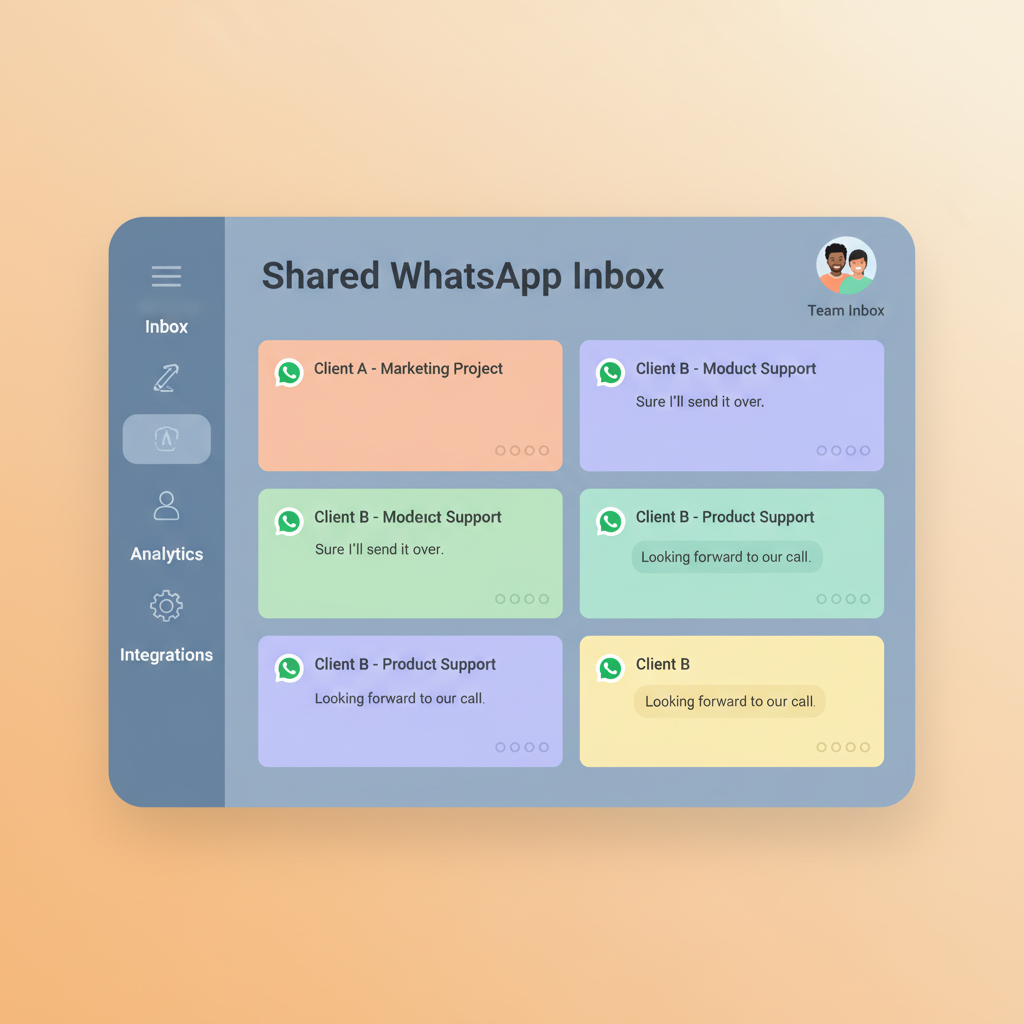 While platforms like ManyChat, respond.io, and Intercom offer basic chatbot builders, they often require complex flowcharts and result in rigid, robotic pathways that frustrate users. Conversify takes a different approach. By acting as an AI front desk, Conversify uses advanced conversational AI to understand natural language, answer questions dynamically, and book appointments directly into your calendar. Check out our competitive pricing plans to find a solution that fits your business scale. You can explore our library of related articles to learn more about optimizing your client communication channels and scaling your operations.
Frequently Asked Questions
How do you make automated texts feel personal?
To make automated texts feel personal, use natural, conversational language and ask open-ended questions. Avoid using shortcodes or sending long blocks of text with multiple links. Tools like Conversify allow you to instantly initiate two-way conversations that mimic real human interaction.
Why is the five-minute response window so critical?
Responding within five minutes makes a business 100 times more likely to make contact and 21 times more likely to qualify that lead compared to waiting thirty minutes [1]. It ensures you reach the prospect while their intent is highest and before they contact a competitor.
How many follow-up attempts should an automated sequence include?
An automated sequence should include at least five touchpoints. Research shows that 80% of sales require five or more follow-up contacts after the initial inquiry, yet 44% of sales reps give up after just one attempt [9].
Are clients comfortable interacting with AI for business tasks?
Yes, more than half of clients (55%) are comfortable with AI in text messaging as long as it is used for simple reminders, booking appointments, and routine tasks [14]. They value the speed and convenience that AI-driven automation provides.
How does Conversify compare to tools like ManyChat or Intercom?
Unlike ManyChat or Intercom, which rely on rigid, rule-based chatbot flows, Conversify acts as an intelligent AI front desk. It understands natural language, handles complex client queries dynamically, and manages a unified inbox across WhatsApp and SMS to ensure a seamless, human-grade experience.
Sources [1] [Sysprola Lead Automation
Guide](https://sysprola.com/blog/how-to-automate-lead-follow-up-for-sales-2025-guide)
- Casey Response Lead Statistics
- Forge Launch Labs Lead Statistics
- Set Smart Lead Statistics
- Unify Loop Lead Statistics
- Infobip SMS Marketing Statistics
- MessageIQ SMS Open Rates
- Alive5 SMS Marketing Statistics
- Lead Response Sales Follow-Up Statistics
- Jobix AI Automate Lead Follow-Up Guide
- Teamgate Lead Follow-Up Automation
- Sinch Business Messaging Study
- Artera Client Communication Trends
- Hyperleap Client Communication Statistics
- Healthcare Dive Digital Messages Study
David Friedman - Founder, Conversify · LinkedIn
David Friedman is a B2B operations leader with over 10 years of experience managing large-scale teams and business processes. After years of working with service businesses and seeing how much time was lost to manual customer communication, he founded Conversify, an AI-powered platform that helps healthcare practices and service providers across Europe automate their patient and client interactions. David built the platform from the ground up, working directly with practicing healthcare professionals to ensure every feature solves a real operational pain point. He is based in Spain.