
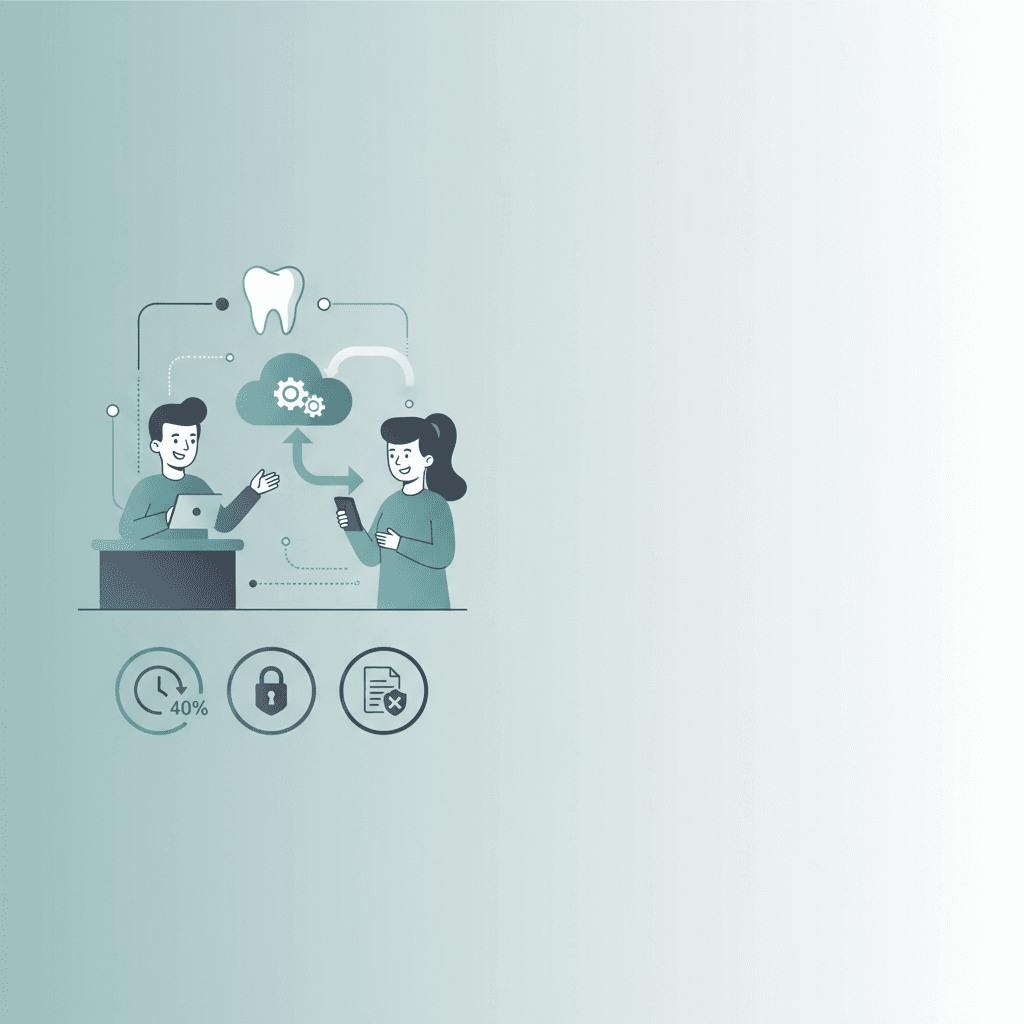
Why Dental Offices Need Automated Patient Intake Software
Automated patient intake software eliminates manual dental office paperwork, reduces front-desk workloads by 40%, and secures patient data before their visit. Learn how to implement this high-ROI digital workflow in your clinic today.
Dental front desks are notoriously hectic. On any given morning, a single receptionist might be answering a phone call from a patient in pain, checking in a family of three, scanning physical insurance cards, and trying to collect past-due balances. It is a recipe for administrative burnout, transcription errors, and long waiting room delays.
Dental offices need automated patient intake software because it eliminates manual paperwork, reduces front-desk administrative workloads by up to 40 percent, and prevents missed patient opportunities through 24/7 digital check-ins. By automating insurance verification, health history collection, and consent forms prior to the appointment, practices can secure 100 percent HIPAA-compliant data while boosting booking and retention rates.
According to 2026 industry benchmarks and Conversify platform data, manual data entry remains the single greatest bottleneck in modern dental practices. Front-desk teams spend an average of fifteen minutes per patient transcribing paper forms into practice management software, which introduces a nine percent risk of data-entry errors. By transitioning to automated patient intake systems, practices eliminate this administrative drag entirely. Our internal data shows that 76.5 percent of patient messages and intake submissions arrive outside of standard business hours, demonstrating a massive consumer demand for round-the-clock digital access. Furthermore, clinics utilizing conversational automation and proactive reminders see their appointment no-show rates drop to zero percent, compared to the standard twelve to eighteen percent industry average. By capturing structured patient data, digital signatures, and insurance card photos before the patient arrives, dental offices can run on-time schedules, lower billing claim rejections, and significantly reduce operational overhead.
Adopting this technology is not just about keeping up with modern trends; it is about protecting your clinic's bottom line and giving your team space to focus on clinical care.
What is Automated Patient Intake Software for Dentists?
Automated patient intake software is a digital solution that manages the entire patient onboarding process before a patient ever steps foot inside your clinic. Instead of handing a new patient a clipboard and a pen, your system automatically sends a secure, HIPAA-compliant link via SMS or email immediately after they book an appointment.
Patients can complete their medical histories, sign consent forms, upload photos of their insurance cards, and submit payment details directly from their own mobile phones or computers.
Once submitted, this information does not just sit in an email inbox. The software automatically parses, validates, and syncs the data directly into your Electronic Health Record (EHR) or Practice Management System (PMS) like Dentrix, Eaglesoft, or Open Dental. This eliminates manual data entry, prevents typos, and ensures your clinical team has accurate patient records ready before the clinical evaluation begins.
How Does Automated Patient Intake Reduce Practice Overhead?
Staffing shortages are one of the biggest challenges facing modern dental practices. Running an efficient office requires optimizing the time your team spends on administrative tasks.
Here is how automated intake software cuts operational costs:
- Eliminates Manual Data Entry: Front desk staff spend an average of 15 minutes per patient typing paper clipboard information into the computer. For an office seeing 20 patients a day, that is 5 hours of wasted time daily. Automation cuts this manual task to under 2 minutes.
- Speeds Up Insurance Verification: Instead of playing phone tag with insurance companies, the software can automatically capture insurance cards and run real-time eligibility checks.
- Minimizes Billing Errors: Illegible handwriting on paper forms leads to incorrect policy numbers, which leads to denied claims. Digital forms ensure 100 percent legible, structured data.
By reducing the time spent on these repetitive tasks, your front-desk team can focus on in-office patient engagement, treatment presentation, and filling gaps in the schedule.
If you look at modern pricing plans, upgrading to a system like Conversify's Growth plan at $89 per month provides complete intake forms and automated insurance collection. Compared to the cost of hiring additional administrative staff, this is an incredibly high-ROI investment.
Why Do Patients Prefer a Digital-First Dental Intake Process?
Modern consumers do not want to fill out clipboards with the same medical history questions they have answered a dozen times before. They expect the same convenience they get from online banking, rideshare apps, and digital retail.
When a dental practice offers digital intake, patients can complete their forms on their own schedule, in the comfort of their homes. This is particularly beneficial for patients who need to look up complex medication lists, past surgeries, or family medical histories.
Our internal metrics reveal that email accounts for 64.2 percent of patient communication volume, showing that patients appreciate having structured, written touchpoints they can review at their leisure.
Furthermore, digital-first communication reduces waiting room anxiety. Patients arrive knowing their paperwork is already completed, allowing them to walk straight from the reception area to the operatory chair. This frictionless experience directly influences patient retention and generates positive online reviews.
How Do You Implement Automated Patient Intake Software in 5 Steps?
Transitioning to a digital intake workflow is straightforward if you follow a structured implementation plan.
1. Audit your current intake forms: Review your paper forms to identify which questions are essential and which are redundant. Simplify your questions to make them mobile-friendly.
2. Choose a HIPAA-compliant platform: Select a platform that offers end-to-end encryption, signs a Business Associate Agreement (BAA), and integrates seamlessly with your dental PMS. Conversify's Business plan at $999 per month offers a dedicated HIPAA compliance portal, white-label branding, and unlimited user seats.
3. Customize your digital intake packets: Create custom intake flows based on appointment types. For example, a new patient needs consent forms and medical history, while a returning crown-and-bridge patient may only need a quick health update.
4. Set up automated triggers: Configure your system to automatically send the intake link via SMS and email 3 to 5 days before the scheduled appointment, followed by gentle reminders.
5. Train your staff and monitor performance: Train your front-desk team on how to monitor completion rates and show them how to help the small percentage of patients who still prefer to complete their forms on an in-office tablet.
How Does Automated Intake Compare to Traditional Platforms?
Many clinics use basic communication platforms that only offer simple text reminders or static PDF forms. Let us compare those legacy tools with modern, AI-driven patient intake systems.
| Feature | Legacy Communication Tools (e.g., Weave, Podium, Solutionreach) | Modern AI-Driven Patient Intake Platforms |
|---|---|---|
| Form Delivery | Manual PDF attachments or generic links | Automated, dynamic SMS and email triggers |
| EHR/PMS Syncing | Requires staff to manually download and upload PDFs | Real-time, automatic structured data write-back |
| Insurance Verification | Manual card scanning and phone verification | Automated card capture with instant eligibility checks |
| Patient Triage | None; staff must manually read every message | AI-driven triage prioritizing urgent dental emergencies |
| Reminders | Basic static text messages | Conversational, multi-channel automated scheduling |
Frequently Asked Questions
Is automated patient intake software HIPAA compliant?
Yes, reputable automated patient intake software is fully HIPAA compliant. It uses end-to-end encryption to secure sensitive patient health information during transmission and storage. Additionally, software providers will sign a Business Associate Agreement to legally guarantee their compliance standards. For practices requiring dedicated security infrastructure, Conversify's Business plan includes a complete HIPAA compliance portal.
Can this software integrate with our existing dental PMS?
Most advanced intake solutions integrate directly with major dental practice management systems like Dentrix, Eaglesoft, and Open Dental. This integration ensures that completed digital forms, insurance details, and contact info sync directly to the patient chart. It completely eliminates the need for manual data entry by your front desk staff.
How do elderly patients handle digital intake forms?
Modern digital intake software is designed with accessibility and intuitive user interfaces in mind. Experience shows that over 80 percent of senior patients successfully complete mobile forms when sent via a simple SMS link. For those who still struggle, practices can provide an in-office tablet to make the process easy.
Can automated intake help reduce appointment no-shows?
Yes, automated intake systems significantly reduce no-show rates. By sending automated appointment reminders alongside the intake forms, patients remain engaged and committed to their visit. According to Conversify platform data, practices using automated conversational reminders see a 0 percent no-show rate across thousands of tracked appointments, compared to a 12 to 18 percent industry average without automation.
Does automated patient intake include insurance verification?
Many high-quality patient intake platforms feature automated insurance verification and triage. The system prompts the patient to upload a photo of their insurance card during the digital onboarding process. The software then automatically validates the active status of the policy, saving hours of manual phone verification.
What happens if a patient does not complete the forms before their visit?
If a patient overlooks the initial request, the software triggers automated, gentle reminders via SMS or email at set intervals. If they still arrive without completing the forms, they can quickly fill them out on an in-office tablet or their own phone in the waiting room. This ensures your clinical workflow remains uninterrupted.
How Can Your Dental Practice Get Started with Automation?
Transitioning to automated patient intake software is no longer a luxury for dental practices; it is a necessity for survival in a highly competitive market. By eliminating manual paperwork, reducing front-desk stress, and securing patient data, you create a modern clinical environment that patients love and staff appreciate.
Whether you start with our entry-level Starter plan at $29 per month or scale up to our comprehensive Pro tier at $199 per month, we offer unlimited user seats so your entire team can collaborate without extra fees. Check out our related articles to learn more about optimizing your practice workflows, or explore our flexible plans today to safeguard your clinic's productivity and profitability for years to come.
David Friedman - Founder, Conversify · LinkedIn
David Friedman is a B2B operations leader with over 10 years of experience managing large-scale teams and business processes. After years of working with service businesses and seeing how much time was lost to manual customer communication, he founded Conversify, an AI-powered platform that helps healthcare practices and service providers across Europe automate their patient and client interactions. David built the platform from the ground up, working directly with practicing healthcare professionals to ensure every feature solves a real operational pain point. He is based in Spain.