Best Timing and Cadence for Salon Appointment Reminders
Discover the scientifically proven timing and cadence for salon appointment reminders. Learn how a 48-24-2 hour sequence can slash no-shows by 70% and protect your revenue.
The best timing and cadence for sending automated salon appointment reminders is a multi-stage sequence sent at 48 hours, 24 hours, and 2 hours before the scheduled visit [2], [9]. This specific cadence maximizes client confirmation rates, gives salons adequate time to fill cancelled slots, and reduces costly no-shows by up to 70 percent [1]. While a single text message sent 24 hours prior remains the most critical touchpoint, achieving a 45 percent reduction in missed visits [11], combining multiple touchpoints is far more effective. In fact, optimizing the frequency and timing of these automated messages can increase overall confirmation rates by 156 percent [6]. For high-value or preparation-heavy services like hair extensions or complex color treatments, salons should adjust the initial touchpoint to 48 or 72 hours in advance [11]. This gives businesses enough time to rebook long time slots and avoid wasting expensive pre-mixed products. For more insights on optimizing your client communication, browse our related articles.
Why Salon No-Shows Cost More Than You
Think Every empty chair represents lost revenue, wasted staff time, and missed opportunities. According to data from Salon Today, the average salon no-show rate is approximately 20 percent [3]. For a typical salon, this level of absenteeism translates to around $3,600 per month in lost revenue [3]. They consume hours of staff time that could be spent serving in-salon clients. Fortunately, automated systems offer a highly scalable alternative. A comprehensive Cochrane Systematic Review confirmed that automated reminders reduce no-shows by up to 50 percent [8]. The review found that automated SMS and email reminders perform on par with manual phone calls but operate at a tiny fraction of the operational cost [8]. By implementing an automated system, salons can reclaim thousands of dollars annually while freeing up their staff to focus on the clients currently in their chairs. 
The Science of Timing: The 48-24-2 Hour
Cadence Explained Salon management platforms like Kitomba and Tilavon widely recommend a three-stage reminder sequence configured at 48 hours, 24 hours, and 2 hours before an appointment [2], [9]. This specific cadence provides a balanced approach, giving clients multiple opportunities to confirm, reschedule, or cancel without feeling spammed.
The 48-Hour Mark: The Rebooking Window
This initial touchpoint serves as an early warning system.
At 48 hours out, clients have a clear picture of their upcoming week. If a conflict has arisen, this reminder prompts them to reschedule. Crucially, a 48-hour cancellation gives your salon team a realistic window to fill the newly empty slot using your waitlist or social media channels [2], [9].
The 24-Hour Mark: The Critical Confirmation
Sending a primary reminder 24 hours before an appointment is the single most critical touchpoint in the sequence [11]. Research shows that this timing alone achieves a 45 percent reduction in no-shows [11]. It is close enough to the appointment to be highly relevant, yet it still gives the client a final opportunity to rearrange their plans if something unexpected occurs.
The 2-Hour Mark: The Final Reminder
This last touchpoint is a pure courtesy reminder.
It is not designed to allow for cancellations; rather, it ensures the client is on time. In busy urban areas, a text sent 2 hours before the service prompts the client to finish up what they are doing, account for travel time, and arrive promptly. This keeps your entire day running on schedule. 
Adjusting Your Cadence for High-Value
Services While the standard 48-24-2 cadence works beautifully for routine haircuts or blowouts, high-value, long, or preparation-heavy salon appointments require a custom approach. Services such as multi-process color, balayage, or hair extensions occupy several hours of a stylist's day and often require expensive pre-mixed products. For these premium services, sending an earlier reminder 48 to 72 hours in advance is highly recommended [11]. If a client needs to reschedule a four-hour color correction, a 24-hour notice is rarely enough time for a salon to find another client who wants a complex, multi-hour service. By reaching out 72 hours in advance, you protect your stylists' schedules and ensure that costly, customized products do not go to waste.
SMS vs. Email: Which Channel Wins?
When choosing channels for your appointment reminder automation, the data points overwhelmingly to one winner: SMS text messaging. SMS text reminders are incredibly effective because they boast a 98 percent open rate, with 80 percent of texts being read within 5 minutes of receipt [10]. In contrast, email reminders have an average open rate of around 20 percent [10]. Because emails often sit unread in spam folders or promotions tabs, they are poorly suited for urgent, time-sensitive updates. This is backed up by academic research. A study by Imperial College London found that sending SMS text reminders alone reduced appointment no-show rates by 38 percent [8]. While email still has a place for long-form newsletters or detailed pre-care instructions, SMS is the gold standard for securing client commitments.
How to Implement Appointment Reminder Automation in Your Salon Ready to eliminate empty chairs?
Setting up an automated system is straightforward if you follow these steps: * Choose the right software platform. Look for tools that offer robust SMS or WhatsApp integration, as these channels yield the highest response rates. Ensure your software integrates with your live calendar. This is critical because 46 percent of salon bookings occur outside of normal operating hours [12]. Your system must be able to automatically schedule confirmation and reminder messages the moment a client books online at midnight.
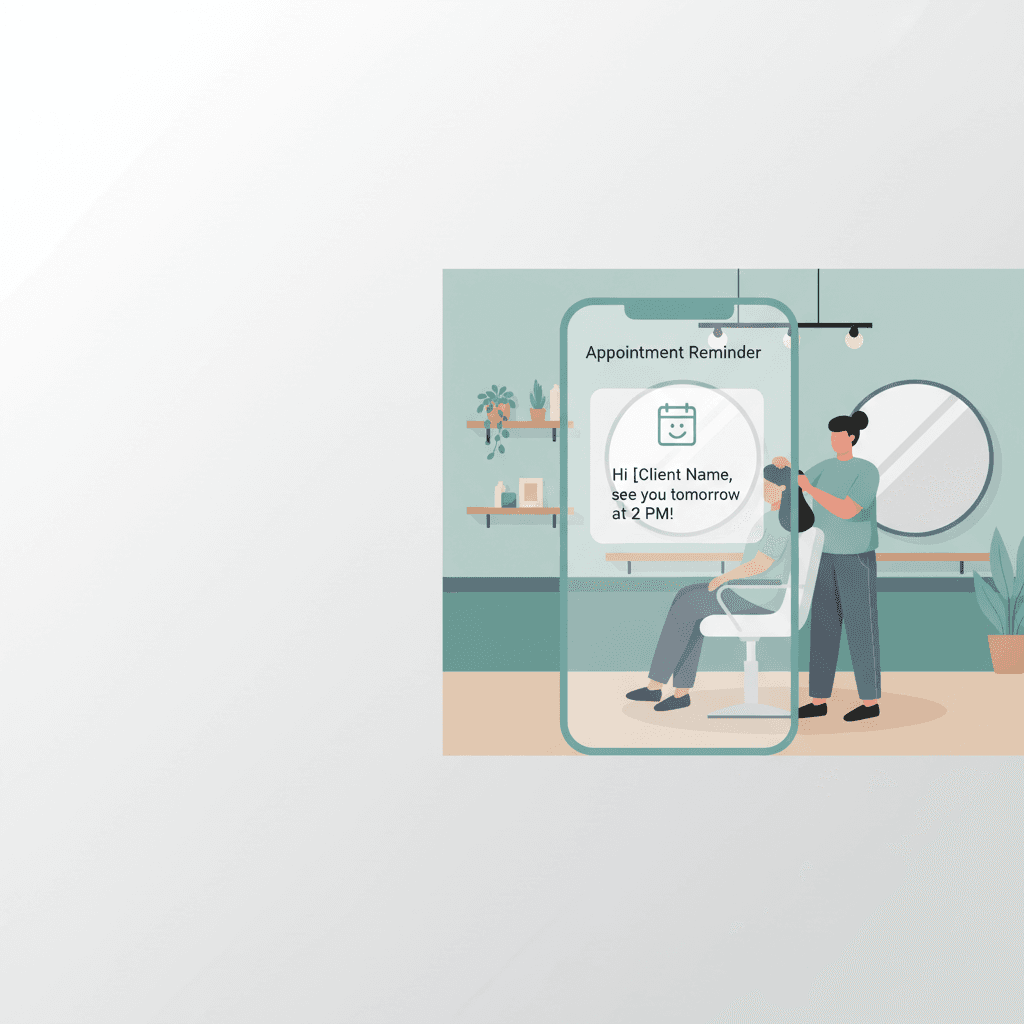
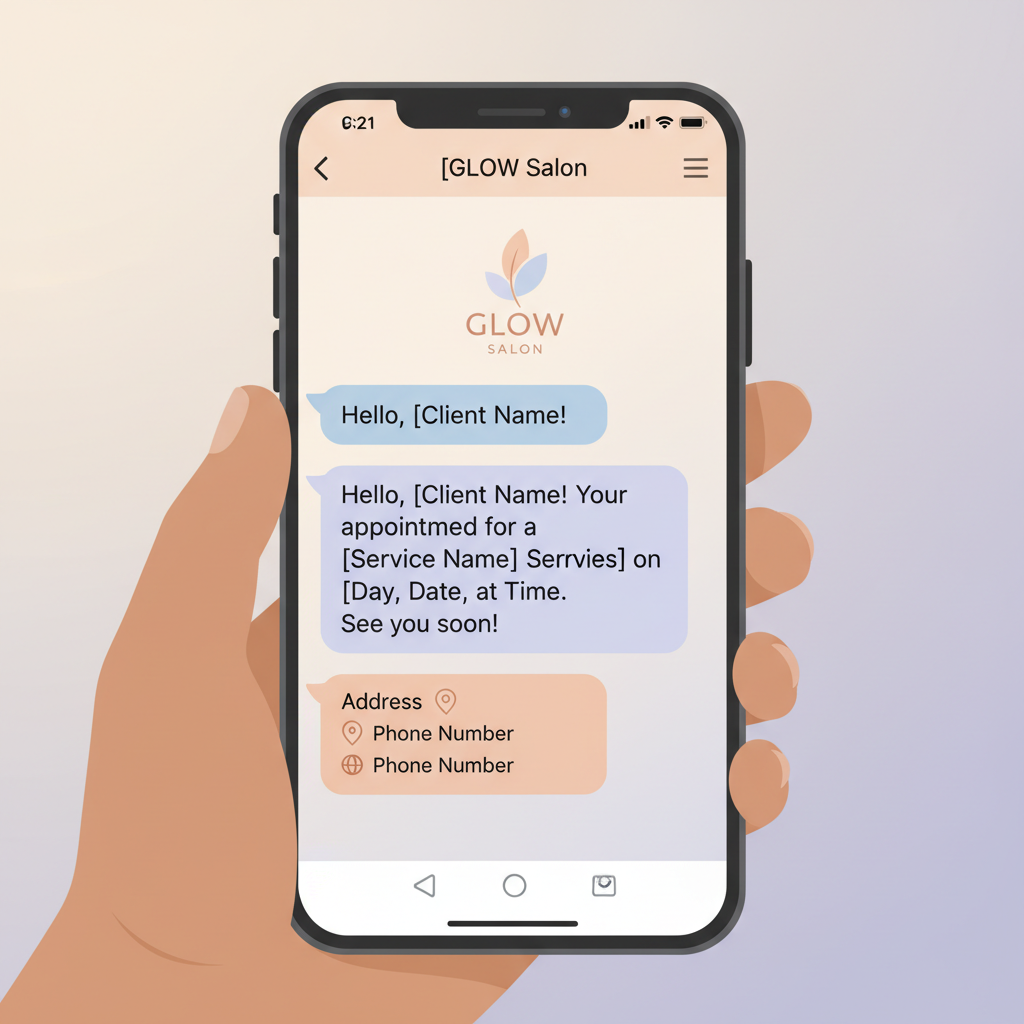
- Write clear, actionable templates. Keep your SMS reminders short and direct. Include the client's name, the stylist, the date, the time, and a clear call to action (such as "Reply Y to confirm or call us to reschedule").
- Configure your multi-stage triggers. Set up your automated sequence to trigger at 48 hours, 24 hours, and 2 hours prior to the appointment time.
- Monitor and adjust. Keep an eye on your confirmation rates. If you notice a specific service still suffers from no-shows, adjust the timing for that specific booking type.
Post-Visit Automation: The 24-Hour Review
Request Your automation sequence should not stop when the client walks out the door. The period immediately following an appointment is the absolute best time to build your online reputation. Research demonstrates that sending an automated review request within 24 hours of a salon appointment yields dramatically higher response rates than waiting a week [14]. This post-visit automation capitalizes on the client's fresh style, high satisfaction, and positive experience. By capturing their feedback instantly, you can steadily build your Google and social media reviews, attracting even more new clients to your business. Learn more About Conversify and how our team builds tools designed to help modern service businesses automate their communication and grow their revenue.
Frequently Asked Questions
What is the best cadence for sending salon appointment reminders?
The industry-standard best practice is a three-stage cadence of 48 hours, 24 hours, and 2 hours before the scheduled appointment [2], [9]. This gives clients ample time to rearrange their schedules, gives the salon time to fill empty slots, and provides a final prompt to ensure on-time arrival.
How much can automated reminders reduce salon no-shows?
Automated appointment reminders can reduce salon no-shows by up to 70 percent, according to data from Shortcuts Software [1]. Additionally, a Cochrane Systematic Review found that automated systems reduce missed appointments by up to 50 percent overall [8].
Why is SMS preferred over email for salon reminders?
SMS reminders are far more effective because they have a 98 percent open rate, with 80 percent of texts being read within 5 minutes [10]. Email reminders, by comparison, have an open rate of only 20 percent, making them less reliable for time-sensitive confirmations [10].
How do you handle reminders for high-value services like hair extensions?
For premium, long, or preparation-heavy services, you should send the initial reminder 48 to 72 hours in advance [11]. This extended window gives you enough time to fill a multi-hour slot if the client cancels, and prevents the waste of expensive pre-mixed products.
What percentage of salon bookings occur after hours?
According to data from Zenoti, 46 percent of salon bookings are made outside of normal operating hours [12]. This makes automated booking confirmations and immediate reminder scheduling essential to secure those client commitments instantly.
When should I send a post-visit review request?
You should send an automated review request within 24 hours of the salon appointment [14]. Reaching out while the client's fresh style and positive experience are top-of-mind yields significantly higher response rates than waiting several days.
Sources [1] AI Receptionist for Salons
- Tilavon Reminders
- Appointment No-Show Statistics
- Finding the Best Automated Appointment Reminders Cadence
- Three is a Magic Number
- No-Show Statistics
- How to Save Time in the Salon
- Salon SMS Appointment Reminder Templates
- Best Time to Send Appointment Reminders
- Salon and Spa Appointment Reminders
- Salon Marketing Automations to Set Up This Week
David Friedman - Founder, Conversify · LinkedIn
David Friedman is a B2B operations leader with over 10 years of experience managing large-scale teams and business processes. After years of working with service businesses and seeing how much time was lost to manual customer communication, he founded Conversify, an AI-powered platform that helps healthcare practices and service providers across Europe automate their patient and client interactions. David built the platform from the ground up, working directly with practicing healthcare professionals to ensure every feature solves a real operational pain point. He is based in Spain.