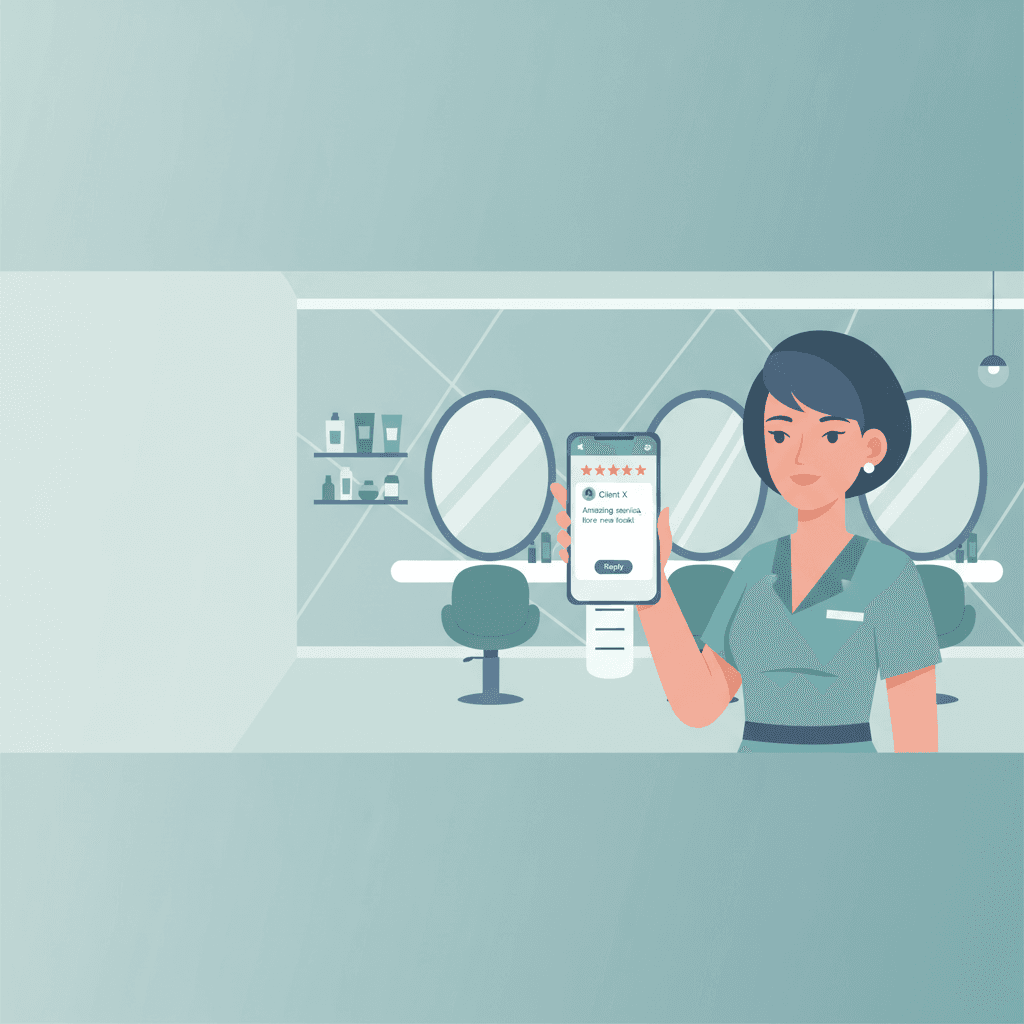
How to Automate Google Review Requests in GlossGenius
Learn how to set up automatic Google review requests in GlossGenius to boost your local SEO, gather 2x to 3x more client feedback, and grow your salon revenue.
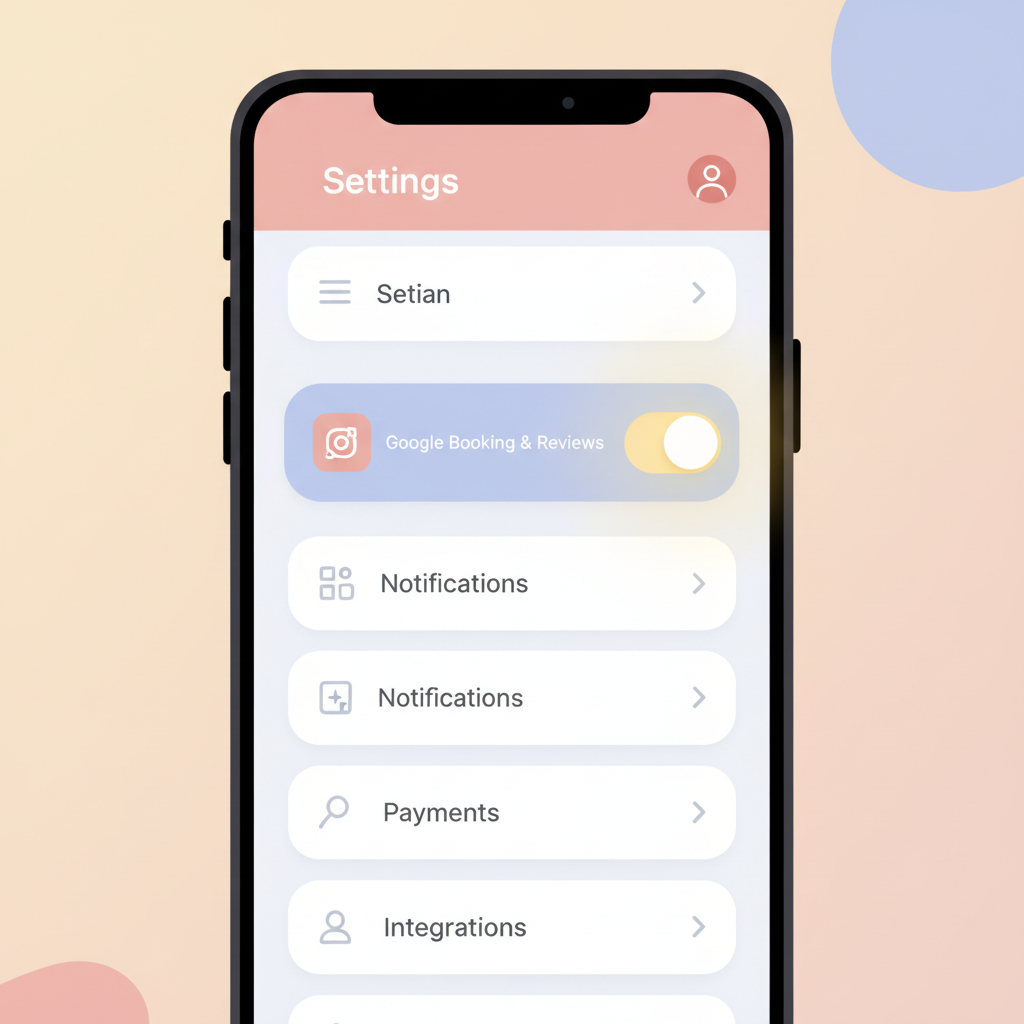
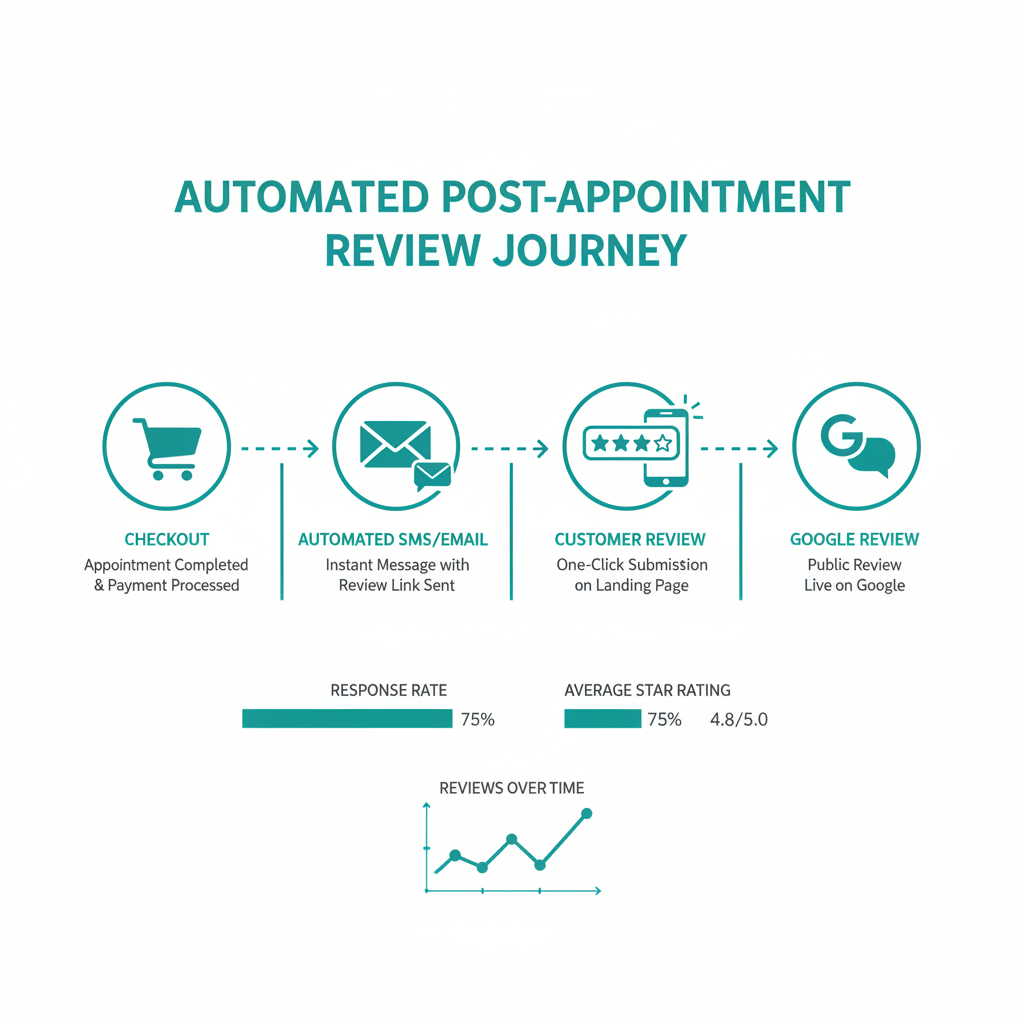
To automate Google review requests in GlossGenius, navigate to Features, select Settings, tap Booking Controls, choose Google Booking and Reviews, and toggle on Enable Google Reviews [1]. This setting automatically prompts clients to leave a Google review via their digital receipt immediately after their scheduled appointment checkout [1]. To successfully save this integration, you must enter a Google review link that begins with the specific prefix https://g.page [1]. This powerful automated review feature is available exclusively to members on GlossGenius Gold and Platinum plans [1]. By shifting your review collection to autopilot, you consolidate your reputation management efforts entirely on Google, which helps your local search visibility [2]. While this disables new reviews on your GlossGenius booking site, your existing reviews remain visible, allowing you to build a highly centralized online presence that attracts new clients [2]. If you are evaluating different booking platforms or looking for advanced client communication tools, check out our pricing plans to see how automated tools compare. At Conversify, we help service businesses scale customer engagement; learn more about Conversify and our mission to simplify client communication.
Why Google Reviews Matter for Local
SEO and Salon Growth When clients search for a local service provider, beauty salon, or wellness clinic, they almost always start on Google. Research shows that 71% of consumers specifically use Google to read reviews when researching local businesses [6], [7]. This means your Google Business Profile is often the first point of contact between you and a potential new client. Furthermore, Google reviews account for 20% of local pack ranking factors, which is up from 16% in previous years [6]. This steady increase demonstrates that search engines place a massive premium on fresh, authentic user generated content. If you want your business to show up in the coveted Local 3 Pack at the top of search results, having a robust strategy for collecting reviews is non negotiable. However, keeping those reviews fresh is a constant battle. According to research, 74% of consumers only care about reviews written within the last 90 days [6]. If your last five star review was from six months ago, potential clients may assume your service quality has slipped. By implementing google review automation tools, you ensure a steady, continuous stream of fresh feedback. The financial payoff is clear; businesses that actively manage and invest in Google reviews see an average 25% increase in revenue within six months [6]. This growth is driven by a combination of improved search visibility, enhanced consumer trust, and higher booking conversion rates.
Step-by-Step Guide: How to Set Up Google
Review Automation in GlossGenius Setting up this integration within your booking platform is simple, but you must follow a specific sequence of steps to ensure it works correctly. * Verify your subscription tier: GlossGenius's Google review integration is available specifically for members on its Gold and Platinum plans [1]. If you are on a basic plan, you will need to upgrade to unlock this direct routing feature.
- Retrieve your Google review link: Go to your Google Business Profile and copy your direct review link. It is critical that this link begins with the specific prefix https://g.page [1]. If it does not start with this prefix, the GlossGenius app will not save it successfully [1].
- Open the GlossGenius app: Navigate to the Features tab on your main dashboard, then select Settings [1].
- Access Booking Controls: From the Settings menu, tap on Booking Controls [1].
- Enable the integration: Select Google Booking and Reviews, then toggle on the option labeled Enable Google Reviews [1].
- Paste and save: Enter your verified https://g.page link into the field provided and save your changes [1]. Once these steps are complete, the system is fully automated. Every time a client completes a scheduled service, they will receive a prompt to leave feedback.
How the GlossGenius Review Automation
Works Under the Hood Understanding how this system behaves helps you manage client expectations and run your business smoothly. * Post checkout delivery: GlossGenius review requests are sent automatically to clients via text or email receipts only after a booked appointment checkout [9].
- No prompts for quick sales: The automation does not trigger for quick sales or product only transactions [9]. This ensures that only clients who have completed a scheduled service are prompted to rate their experience, preserving the integrity of your reviews.
- Team wide application: GlossGenius applies online booking and client notification settings, including review requests, to the entire team rather than individual members [12]. If you run a salon with multiple stylists, enabling this feature means clients for all service providers within the business will receive review prompts through their receipts [12].
- Review consolidation: When Google Reviews are enabled in GlossGenius, clients can only leave feedback on your Google Business profile [2]. This disables new reviews on your GlossGenius booking site [2]. This consolidation helps business owners focus their reputation management efforts entirely on Google, where it has the most SEO impact, though your existing GlossGenius reviews remain visible on your booking site [2], [9].
Why Automation Beats Manual Review Collection
Many salon owners and service providers still rely on manual methods, such as asking clients face to face or sending personal texts hours after the appointment. While well intentioned, manual collection is highly inefficient. Businesses using automated review tools collect 2 to 3 times more reviews than those relying on manual approaches [4], [5]. Automation removes human memory dependency, ensuring every single eligible client receives a prompt regardless of how busy your front desk is during checkout. Additionally, the delivery channel matters. SMS is the highest converting channel for review automation, yielding a reliable conversion rate between 8% and 15% when timed correctly [4]. Since GlossGenius delivers these requests directly via digital receipts (which are frequently opened via text), you benefit from this high mobile engagement rate.
Comparing GlossGenius with Dedicated
Google Review Automation Tools While GlossGenius offers an excellent built in solution for beauty and wellness professionals, it is helpful to compare it to specialized google review automation tools. However, for solo beauty professionals and local salon owners, GlossGenius offers a beautifully simple, all in one alternative. While it lacks the advanced customization of dedicated marketing platforms, its direct connection to your checkout flow and its zero setup requirement make it the most practical choice for business owners who want results without the technical overhead. If you want to read more about how to optimize your customer communication stack, check out our related articles for deep dives into AI driven messaging and booking platforms. At Conversify, we focus on helping businesses streamline their customer conversations. 
Frequently Asked Questions
What plan do I need to use Google review automation in GlossGenius?
You must be on the Gold or Platinum plan to access the Google review integration [1]. The basic plan includes standard notifications but does not support direct routing to your Google Business Profile [2].
Why won't my Google review link save in the GlossGenius app?
The link must begin with the specific prefix "https://g.page" to be successfully saved [1]. If your link uses a different format, the system will reject it, preventing the routing from working correctly on digital receipts [1].
Are review requests sent for quick sales?
No, GlossGenius only sends automated review requests after a booked appointment checkout [9]. Quick sales or walk in transactions without a scheduled booking will not trigger these automated prompts [9].
Can clients still leave reviews on my GlossGenius booking site?
No, once you enable Google Reviews, clients can only leave feedback on your Google Business Profile [2]. New reviews on your GlossGenius booking site will be disabled, though your existing reviews will remain visible to visitors [2], [9].
Can I turn on Google reviews for only one stylist on my team?
No, GlossGenius applies online booking and client notification settings to the entire team rather than individual members [12]. Once enabled, clients for all service providers in your business will receive the review prompts [12].
How does the review request reach the client?
The review request is sent automatically via text or email receipts immediately after the appointment is checked out [1]. This ensures the prompt is delivered while the service is still fresh in the client's mind [1].
Why should I automate my review requests instead of asking manually?
Businesses using automated review tools collect 2 to 3 times more reviews than those relying on manual methods [4]. Automation removes human error and ensures every client receives a prompt, which is crucial since 74% of consumers only care about reviews written within the last 90 days [6].
Sources
David Friedman - Founder, Conversify · LinkedIn
David Friedman is a B2B operations leader with over 10 years of experience managing large-scale teams and business processes. After years of working with service businesses and seeing how much time was lost to manual customer communication, he founded Conversify, an AI-powered platform that helps healthcare practices and service providers across Europe automate their patient and client interactions. David built the platform from the ground up, working directly with practicing healthcare professionals to ensure every feature solves a real operational pain point. He is based in Spain.